BricsCAD® BIM

Work with BIM data without leaving CAD

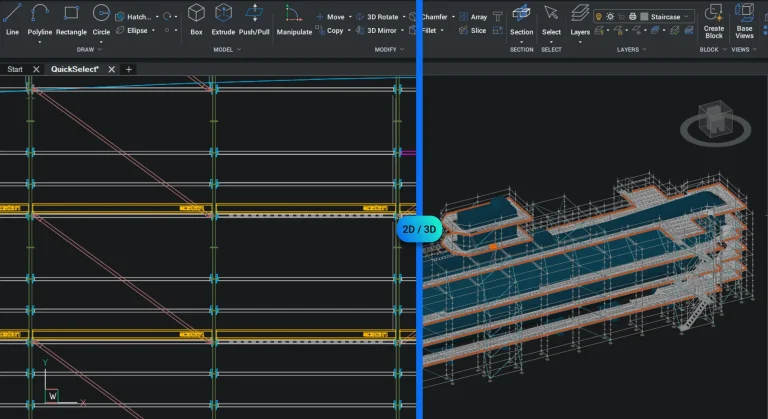
BricsCAD BIM builds on the familiar DWG environment, allowing you to work with BIM and IFC data without changing the way you design. It offers a practical, cost-effective way to adopt BIM workflows — without the steep learning curve or overhead of traditional BIM platforms.

Group_1592

How BricsCAD BIM fits into your workflow

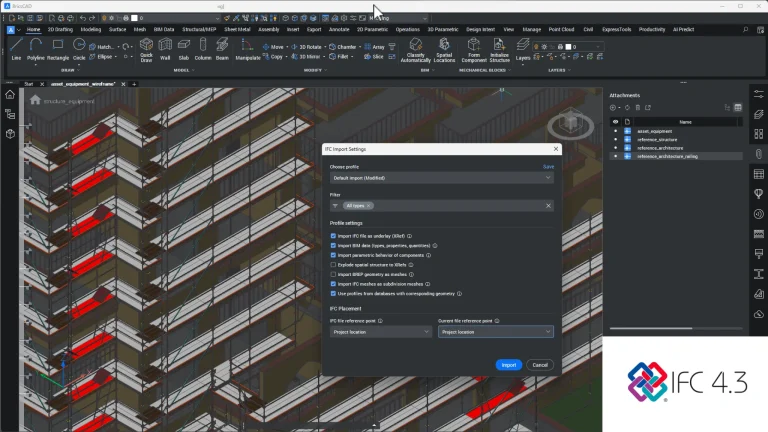
Reliable IFC and BIM data exchange

Import, export, and share BIM data with confidence, ensuring smooth collaboration across different platforms and teams.

Work with BIM data in a familiar environment

Use BIM and IFC data directly within a DWG-based workflow, without changing how your team already works.

Adopt BIM without the learning curve

Bring BIM into your projects without committing to complex systems or long training cycles.

BricsCAD BIM Features

Work with BIM and IFC data in a DWG-based environment — without changing your existing workflow.

BIM Data Tools

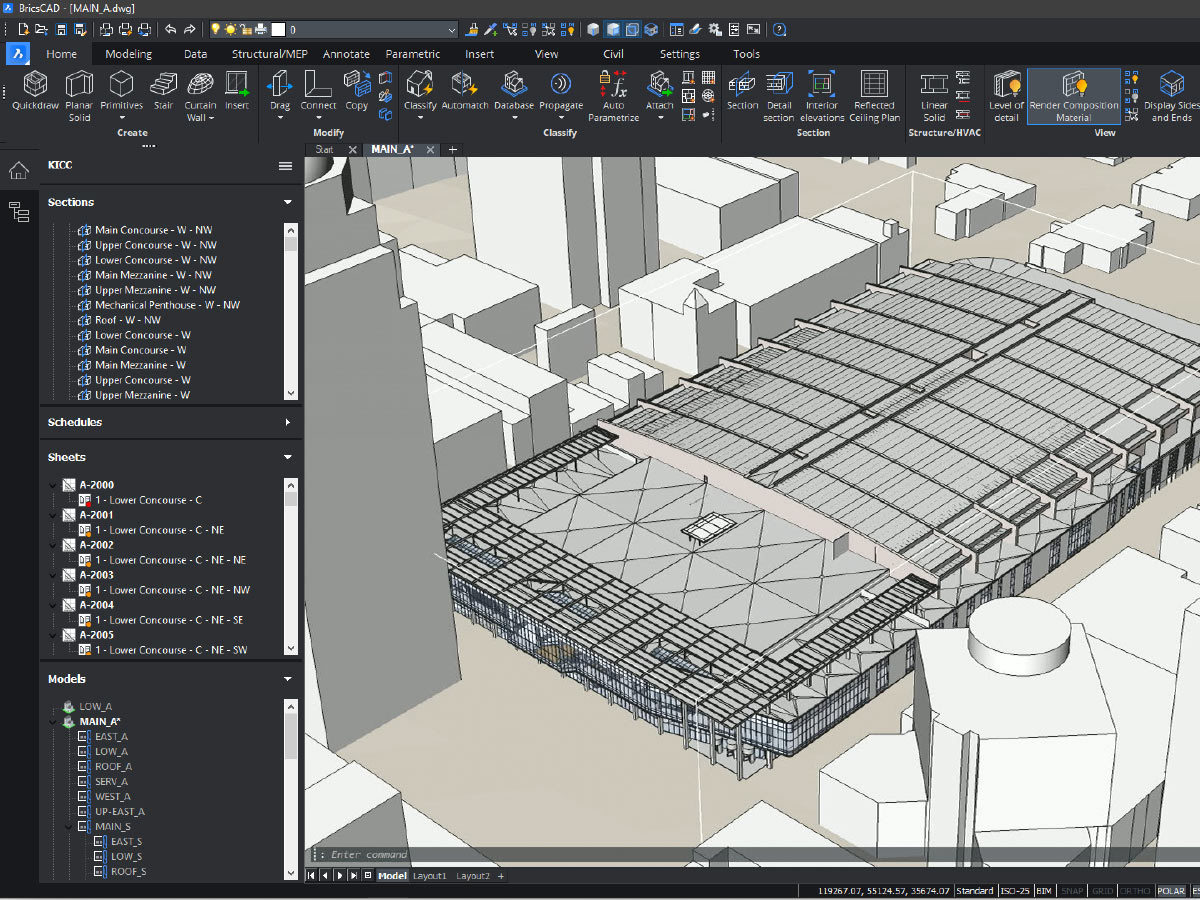
Work with BIM data and object properties directly within a DWG-based workflow.

2D Drafting

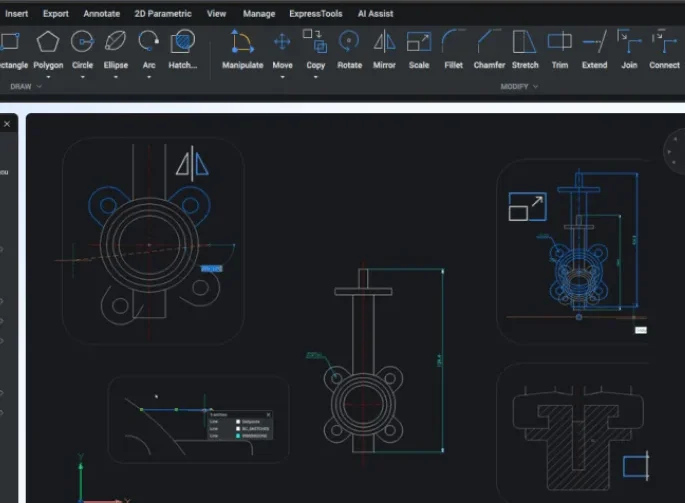
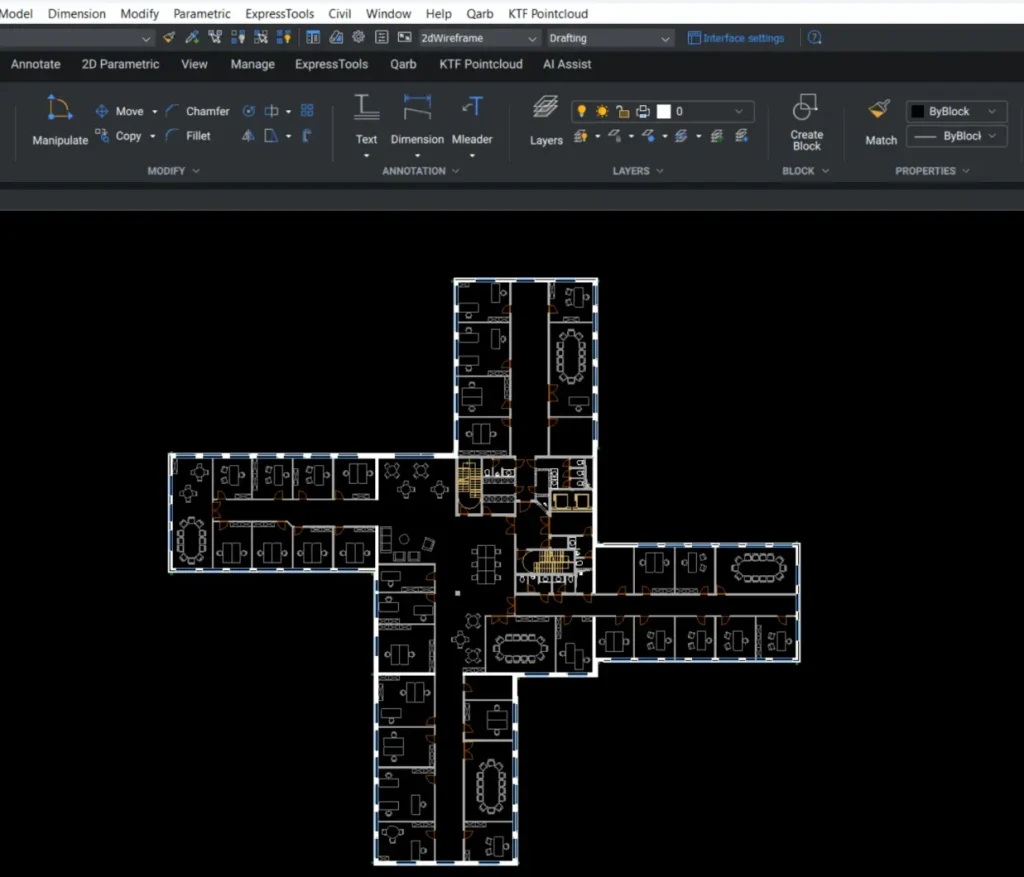
Create detailed drawings using intelligent drafting tools in one application.

3D Modeling

Use 3D models to support BIM data and project coordination within your workflow.

Civil and Survey

Access survey data easily with tools tailored for surveyors’ needs.

Scan-to-BIM

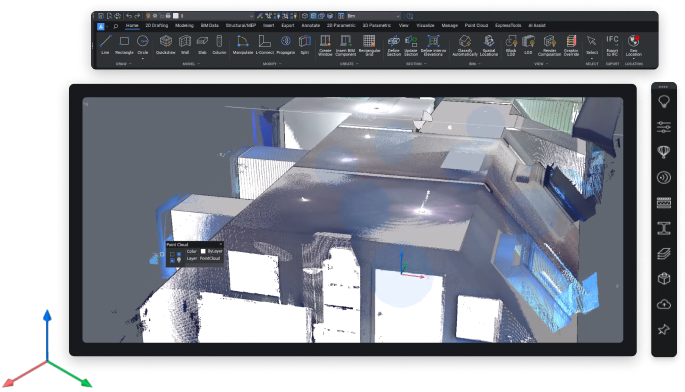
Convert point cloud data into structured BIM elements for use within your workflow.

Automated Drawings

Add BIM data to your drawings automatically, improving consistency and reducing manual input.

Quantity Takeoff

Extract quantities from BIM data to support planning, costing, and project coordination.

DWG-Based BIM Workflows

Integrate BIM data into your existing 2D and 3D workflows without changing platforms.

Included Toolsets

BricsCAD_app_icon
BIM_toolset

BIM tools

Work with BIM data and documentation within a familiar DWG-based environment
BricsCAD
BricsCAD_app_icon

2D Drafting

Create precise 2D drawings using a fast, familiar DWG-based workflow
BricsCAD_app_icon
3D_Modeling_toolset

3D Modeling

Move from concept to production with flexible 3D modeling in the same environment
BricsCAD_app_icon
Civil_and_Survey_toolset

Civil and Survey

Designed for real-world survey and civil workflows

BricsCAD BIM Benefits

For creating, modeling, documenting, and detailing architectural designs within a unified DWG platform.

Industry-Standard DWG Compatibility

Work directly with DWG files, maintaining full compatibility with existing CAD workflows as you introduce BIM data.

Smooth BIM Transition

Move from 2D to 3D to BIM at your own pace, introducing BIM data without disrupting your existing workflow.

Structured BIM Data

Assign and manage BIM data consistently across your drawings, improving clarity, coordination, and project accuracy.

IFC Data Sharing

Work with IFC data confidently — import, edit, and share information across teams using an open, industry-standard format.

Buy BricsCAD BIM

BricsCAD BIM gives you full control over design and documentation—without the heavy cost or complexity. One powerful platform for modeling, detailing, and IFC workflows.

BricsCAD Techniques, Tips and Resources

See BricsCAD in action on our Techniques, Tips and Resources page.

FAQ

A few helpful answers about BricsCAD BIM—covering features, workflows, and how it fits into real-world design and construction projects.

BricsCAD BIM keeps you in control. It offers flexible, direct 3D modeling with intelligent classification and automation—without locking you into rigid workflows or bloated interfaces. It’s BIM on your terms, with DWG at the core.

Yes. BricsCAD BIM supports full IFC import/export, classification to industry standards (e.g. Uniclass, OmniClass), and openBIM workflows—making it easy to collaborate with other platforms.

Most users find BricsCAD BIM surprisingly intuitive—especially with experience in CAD or 3D modeling. Its direct modeling approach reduces complexity, and the interface is clean and familiar, all in a familiar DWG environment.

Absolutely. You can model conceptually using push/pull tools, then enrich the model with data, drawings, sections, schedules, and quantity take-offs—all from the same file.

Powered by DIT Innovations
Get BricsCAD® Software Free Trial
Start Your Proof of Concept

We’ll review your requirements and confirm if a Proof of Concept is the right approach before getting started.

Make Sense of Your BricsCAD® Licensing

We’ll help you understand what’s active, where, and what to do next.

Book a Call