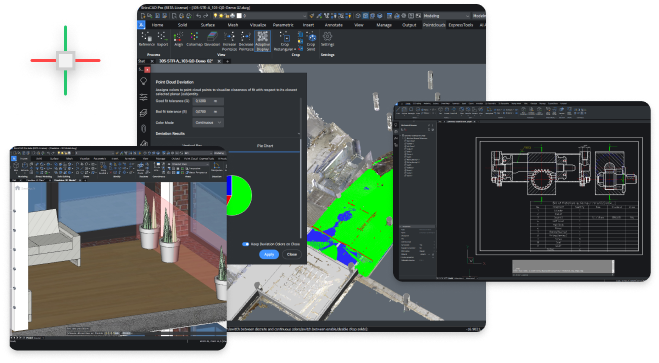
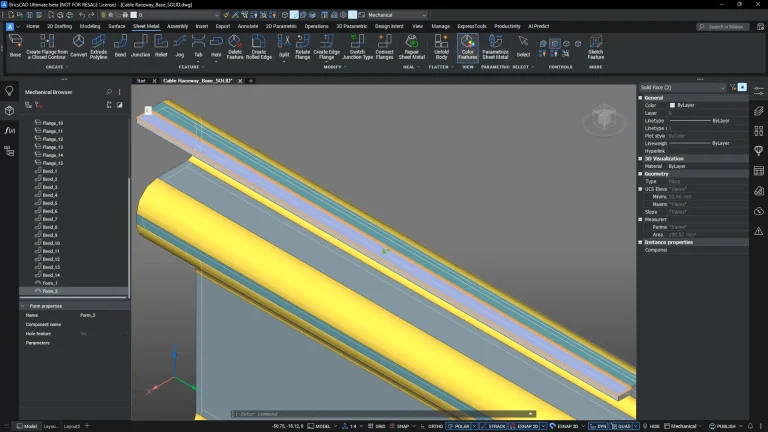
BricsCAD Ultimate brings together 2D drafting, 3D modeling, civil, survey, BIM, and mechanical design in a single DWG-based environment. It gives you complete flexibility across disciplines, without needing separate tools, licenses, or workflows. Whether you’re working in 2D, moving into 3D, handling BIM data, or designing for manufacturing, everything is available when you need it. All within one consistent platform.
Work across 2D drafting, 3D modeling, BIM, and mechanical design within a single, consistent environment.
All tools, no limitations
Access the full BricsCAD toolset without needing to choose between different products or workflows.
Scale as your projects evolve
Move between workflows as needed, without changing software or retraining your team.
BricsCAD Ultimate Features
All BricsCAD capabilities in one license, giving you complete flexibility across 2D, 3D, BIM, and mechanical workflows.
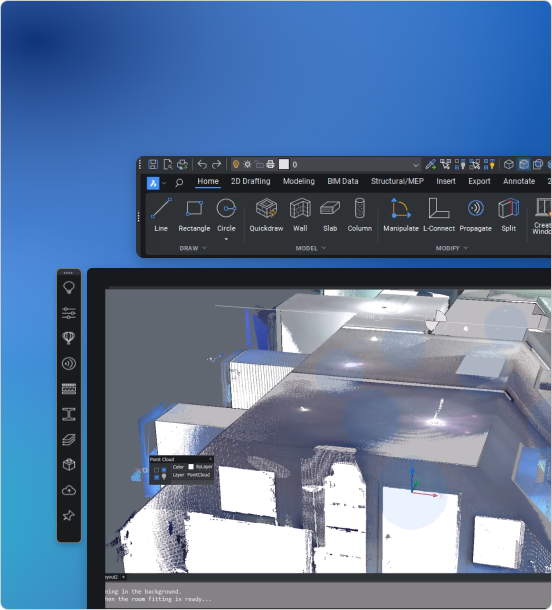
BIM Tools
Work with BIM and IFC data directly within your DWG-based workflow.
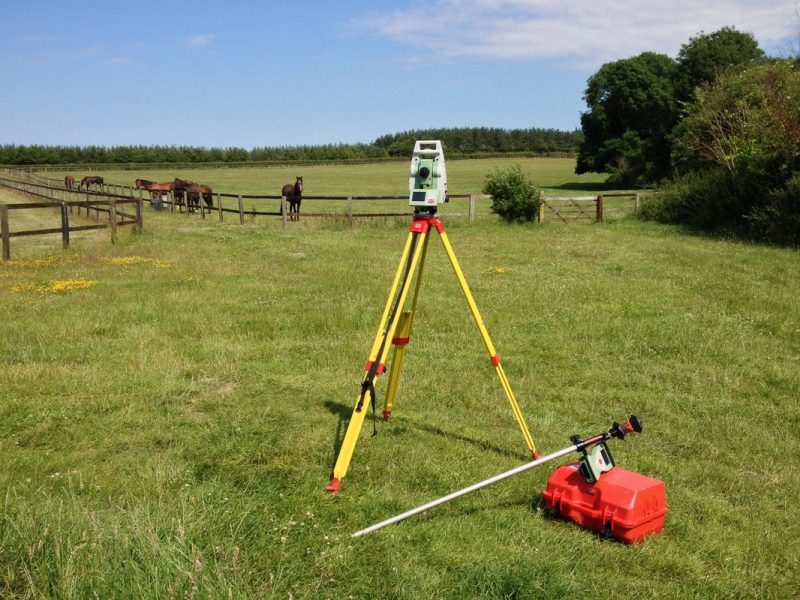
Civil and Survey
Use survey-focused tools to process and work with field data efficiently.
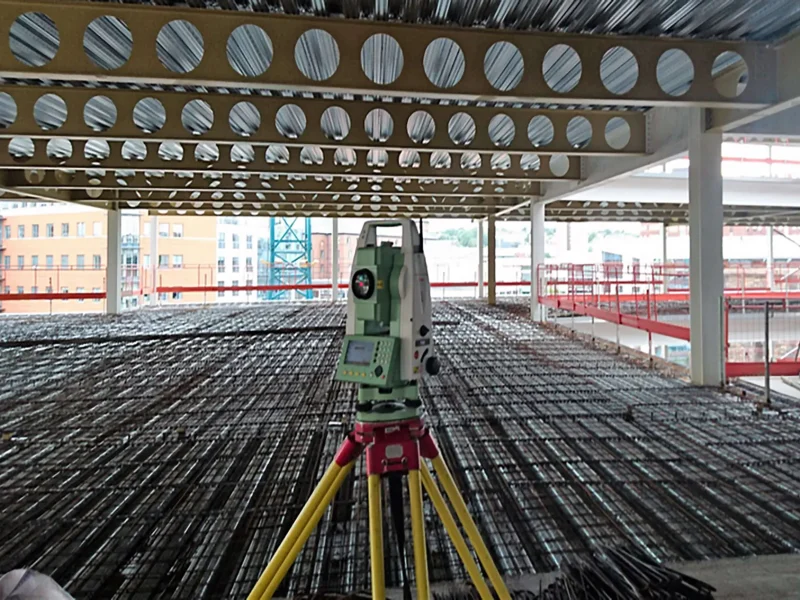
Survey Data Access
Integrate and manage survey data from Leica instruments for faster, more reliable results.
Accurate CAD Output
Turn survey and design data into clear, accurate CAD deliverables.
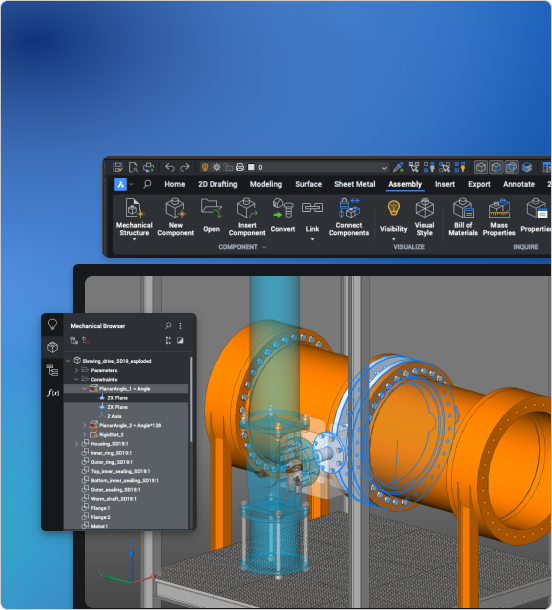
Mechanical Tools
Design assemblies and create production-ready drawings using integrated mechanical tools.
3D Modeling
Use flexible 3D modeling to support design, coordination, and production workflows.
2D Drafting
Create, edit, and annotate drawings efficiently using intelligent tools.
Customization
Extend capabilities with LISP and automate workflows to improve productivity.
Included Toolsets
2D Drafting
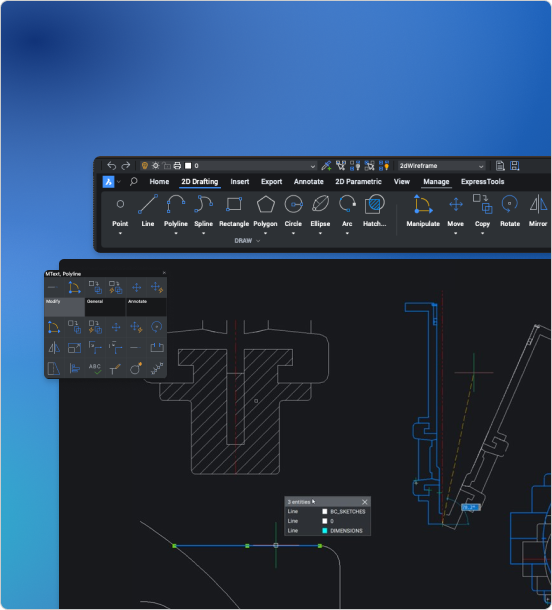
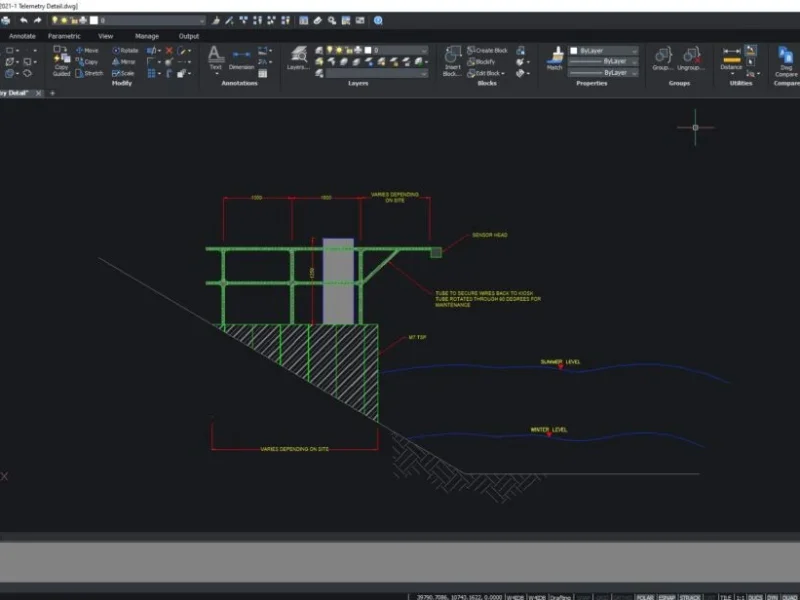
Create precise 2D drawings using a fast, familiar DWG-based workflow
Generate geometry, edit designs, and add annotations using a consistent set of commands within a single DWG-based environment
Customise and automate your workflow with LISP, using your existing routines or building your own to match the way you work
3D Modeling
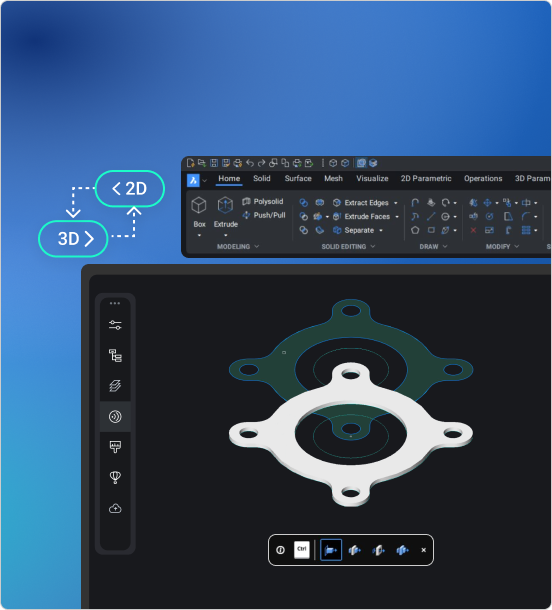
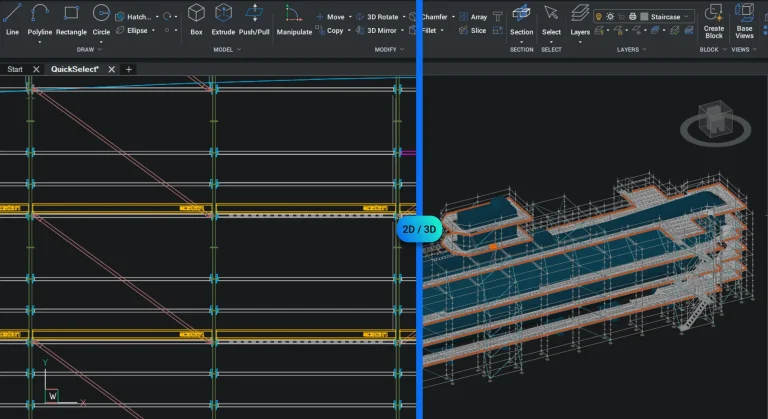
Move from concept to production with flexible 3D modeling in the same environment
Build accurate models from existing 2D geometry
Use parametric, direct, or hybrid modeling for full control
Civil and Survey
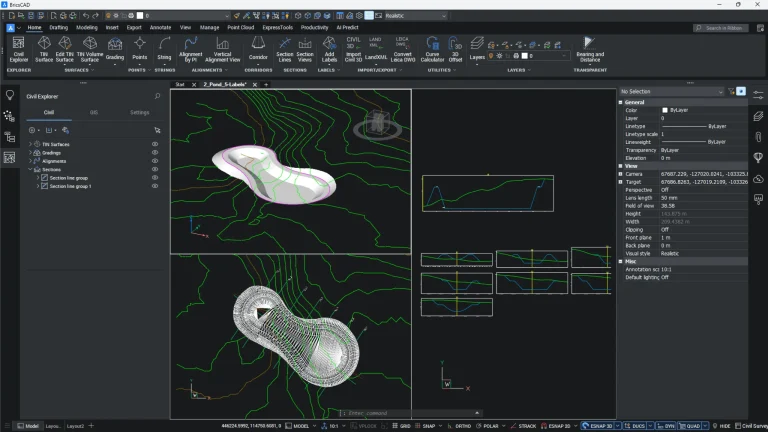
Designed for real-world survey and civil workflows
Import and manage survey data efficiently
Generate surfaces and produce accurate, usable outputs
BIM tools
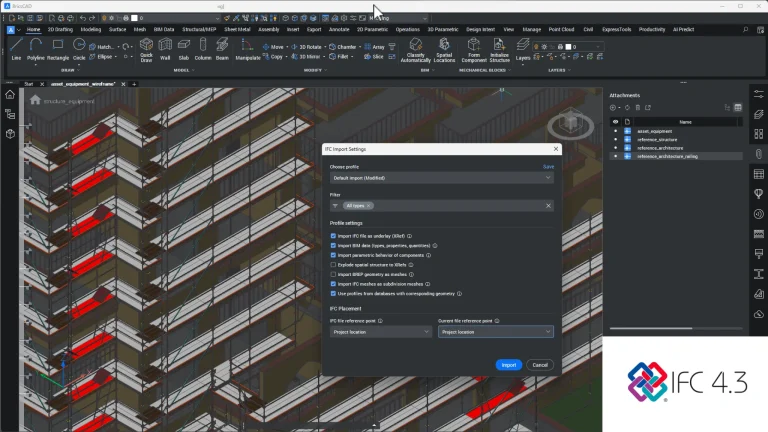
Work with BIM data and documentation within a familiar DWG-based environment
Integrate 3D workflows seamlessly while continuing to use your trusted 2D drafting tools
Transform both 2D and 3D elements into BIM data, and enhance Level of Detail (LOD) and Level of Information (LOI) using automation
Mechanical tools
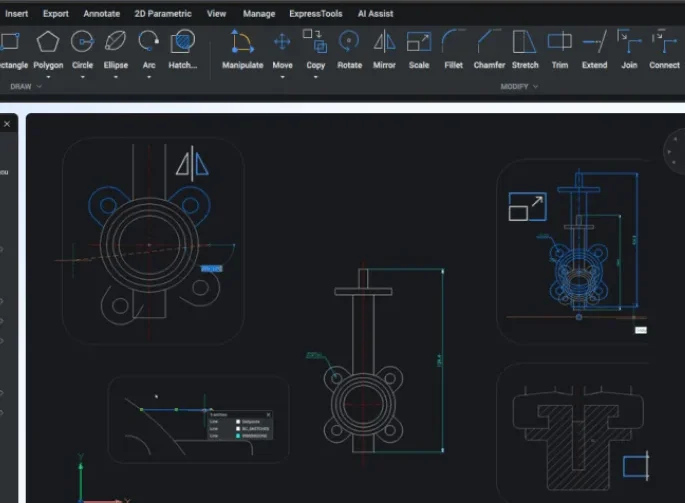
Design, build, and document real-world mechanical parts
Tackle 2D mechanical drafting, sheet metal unfolding, and 3D assembly modeling. All within one environment
Streamline your production workflow with intuitive Design for Manufacturing and Assembly (DFMA) tools
BricsCAD Ultimate All-in-one
BricsCAD Ultimate brings together Lite, Pro, Mechanical, and BIM, giving you the complete CAD environment in one license.
Professional 2D drafting with a fast, familiar DWG-based workflow for creating and editing precise drawings.
Extend your workflow with 3D modeling, civil and survey tools, and full support for industry plug-ins.
Design assemblies, create production-ready drawings, and work with powerful sheet metal tools in one environment.
Work with BIM and IFC data directly within a DWG-based workflow, without changing how you design.
Buy BricsCAD Ultimate
One licence. Every tool. BricsCAD Ultimate gives you access to 2D, 3D, Mechanical, BIM, and more. Ideal for teams who need it all without juggling multiple products.
Build confidence with BricsCAD. Our expert-led courses cover 2D, 3D modeling, civil and survey workflows, BIM & IFC data exchange, and Mechanical workflows. Designed to help you get the most from your software.
Got questions about BricsCAD Ultimate? Here’s what to know about features, value, and why it’s the smartest way to get the full BricsCAD toolset.
How does BricsCAD Ultimate compare to AutoCAD?
BricsCAD Ultimate includes everything you get in AutoCAD. 2D drafting, 3D modeling, plus BIM and mechanical tools. All in one platform. It uses the same DWG format, runs faster, and costs significantly less. Most users find the interface and commands instantly familiar, so switching is easy.
Can BricsCAD really replace AutoCAD in my workflow?
Yes. BricsCAD is fully DWG-compatible and supports LISP routines, Dynamic Blocks, CUI menus, and more. It’s a true professional alternative that’s already being used by engineers, architects, and surveyors across the world. It does everything AutoCAD does, without locking you into subscriptions.
How much does BricsCAD Ultimate cost compared to AutoCAD?
BricsCAD Ultimate can cost less than two-thirds of an AutoCAD subscription over three years, and with Civil, BIM, and Mechanical functionality included. You can buy a perpetual license (one-time payment) or choose a subscription, both for single users or a network. The choice is yours. Either way, you own your decision – not the software vendor.
Is it hard to switch from AutoCAD to BricsCAD?
Not at all. BricsCAD opens your DWG files directly, supports your AutoCAD settings, and even uses the same command aliases. Most users are productive in under a day. Plus, we provide expert UK-based support to help you every step of the way.
Manage Consent
To provide the best experiences, we use technologies like cookies to store and/or access device information. Consenting to these technologies will allow us to process data such as browsing behavior or unique IDs on this site. Not consenting or withdrawing consent, may adversely affect certain features and functions.
Functional
Always active
The technical storage or access is strictly necessary for the legitimate purpose of enabling the use of a specific service explicitly requested by the subscriber or user, or for the sole purpose of carrying out the transmission of a communication over an electronic communications network.
Preferences
The technical storage or access is necessary for the legitimate purpose of storing preferences that are not requested by the subscriber or user.
Statistics
The technical storage or access that is used exclusively for statistical purposes.The technical storage or access that is used exclusively for anonymous statistical purposes. Without a subpoena, voluntary compliance on the part of your Internet Service Provider, or additional records from a third party, information stored or retrieved for this purpose alone cannot usually be used to identify you.
Marketing
The technical storage or access is required to create user profiles to send advertising, or to track the user on a website or across several websites for similar marketing purposes.