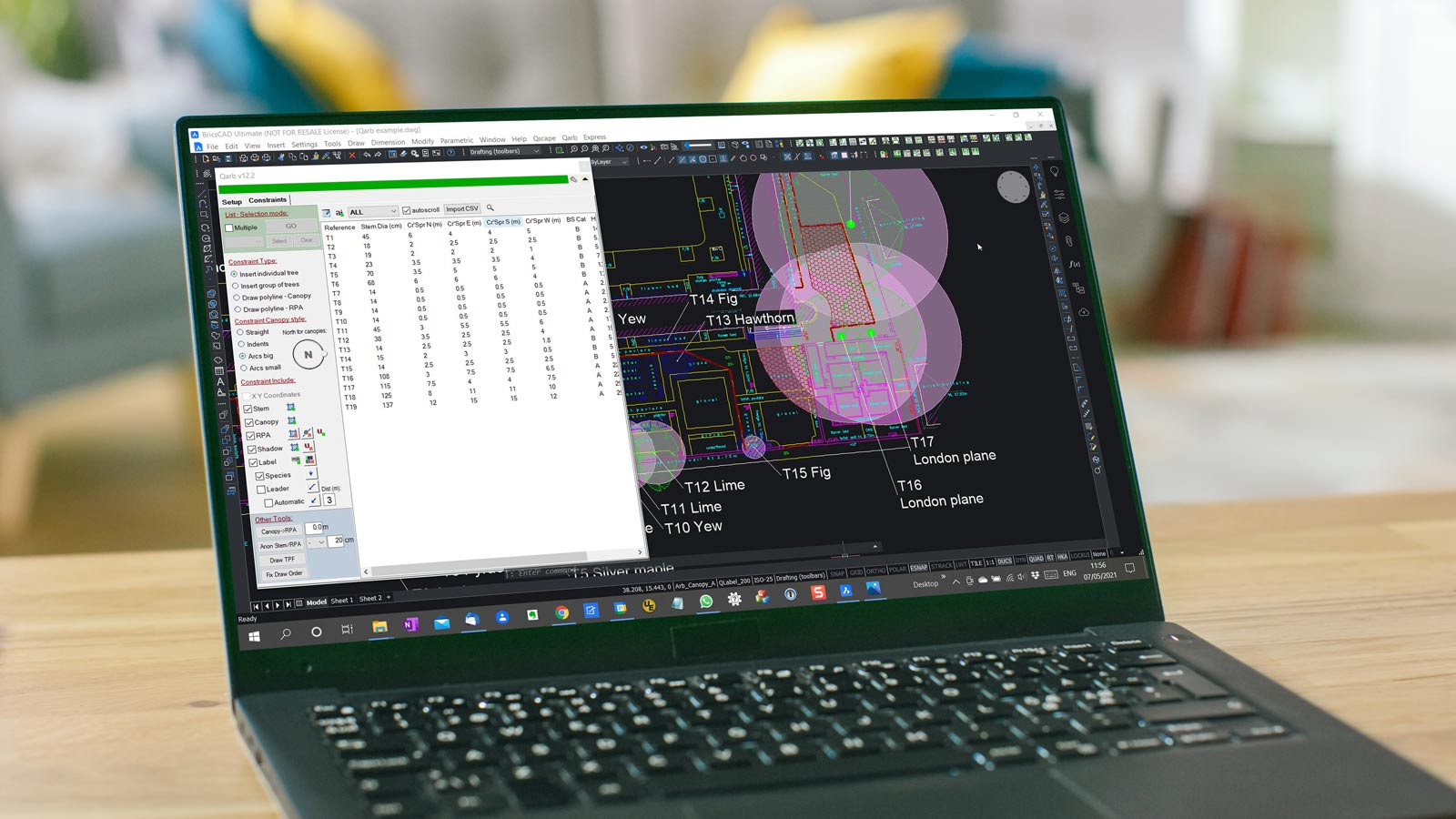
Create BS5837 tree surveys, constraints plans, and reports quickly and accurately within your existing CAD workflow.
Automate RPA, canopy, and tree data calculations to reduce manual work and improve consistency.
Built for arboriculturists and fully integrated with BricsCAD® and AutoCAD®.
Built by arboriculturists for arboriculturists, Qarb reflects real-world BS5837 workflows — producing true DWG drawings that integrate seamlessly within the wider design and planning process.
You don’t need to be a CAD expert. Qarb gives you a simple, practical way to create professional drawings that can be submitted for planning and shared with architects, engineers, and project teams.
Backed by KTF Software’s expert support, you’re never left figuring things out alone — from setup to advanced workflows.
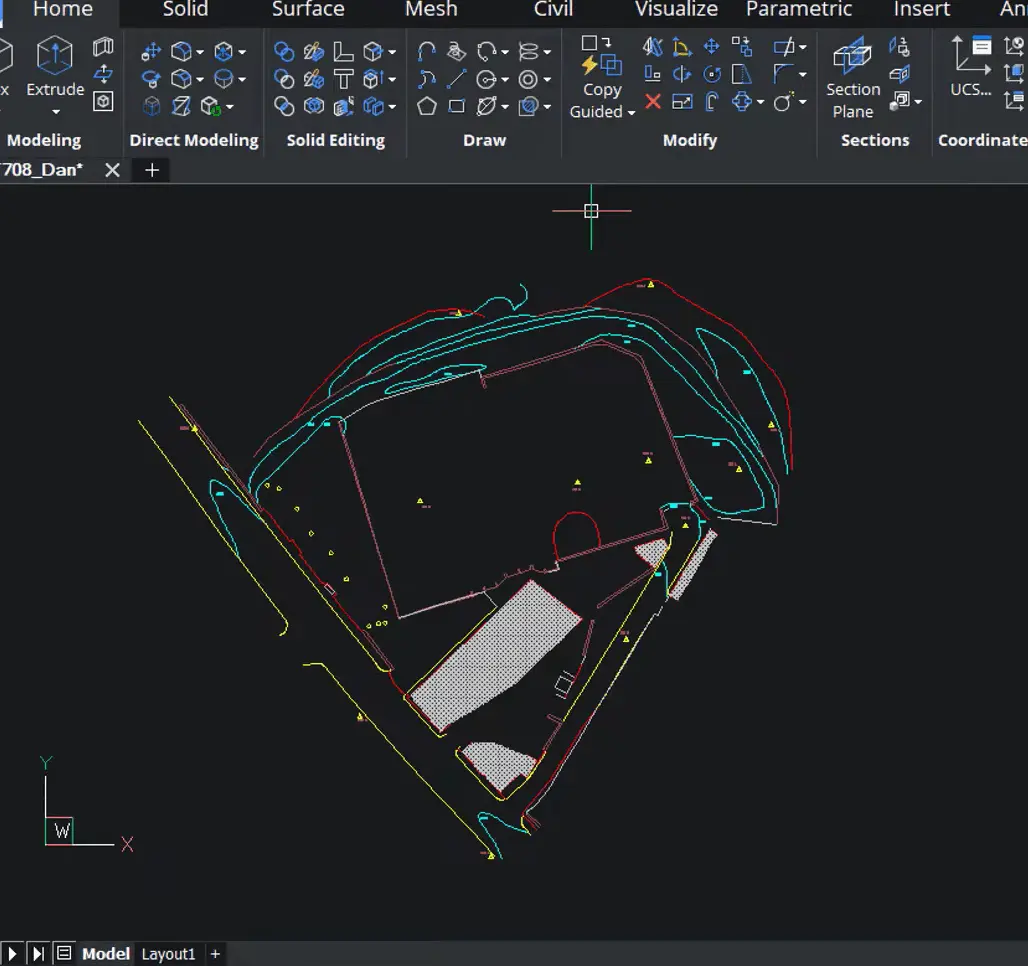
Work directly in BricsCAD® or AutoCAD®, with true DWG drawings that can be shared seamlessly with architects, engineers, and project teams.
Generate BS5837 tree plans quickly and accurately, making planning submissions faster and more straightforward.
Automate repetitive plotting tasks, saving time on surveys and reports while reducing errors.
Qarb is built around how arboriculturists actually work within the planning process.
Unlike standalone tools or non-DWG systems, Qarb produces true CAD drawings that integrate directly with architectural and engineering plans — making it easier to share information, collaborate, and move projects forward without friction.
Everything stays in a familiar CAD environment, so your work fits naturally alongside other disciplines, rather than needing to be converted, redrawn, or explained.
Qarb is built for arboriculturists who need to work in CAD, without getting bogged down in it.
Created alongside experienced arboriculturists, it focuses on simple, practical tools that make producing BS5837-compliant drawings faster and more straightforward — without complex workflows or unnecessary setup.
True DWG Collaboration
Work directly in BricsCAD® or AutoCAD®, producing real DWG drawings that integrate seamlessly with architects, engineers, and project teams.
Fewer Questions, Faster Approvals
Clear, standardised BS5837 drawings reduce back-and-forth during planning, helping your submissions move forward with confidence.
Consistent, Professional Output
Apply built-in styles, canopy options, and RPA tools to ensure every drawing is clear, accurate, and consistent across projects.
Save Time on Every Survey
Automate repetitive plotting tasks, calculations, and adjustments — reducing manual work and freeing up time for higher-value tasks.
Practical tools designed to speed up surveys, improve accuracy, and simplify your workflow.
Meets BS5837 requirements for planning submissions
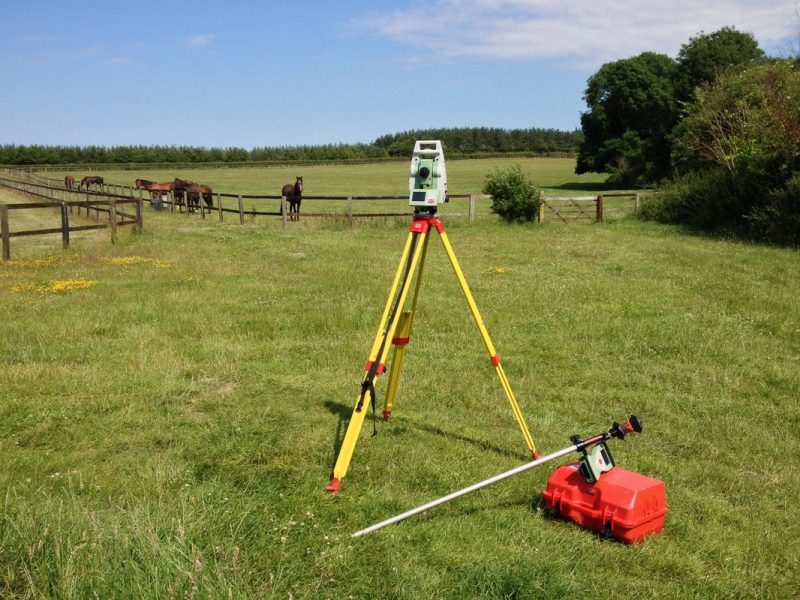
Plot trees from survey coordinates in seconds
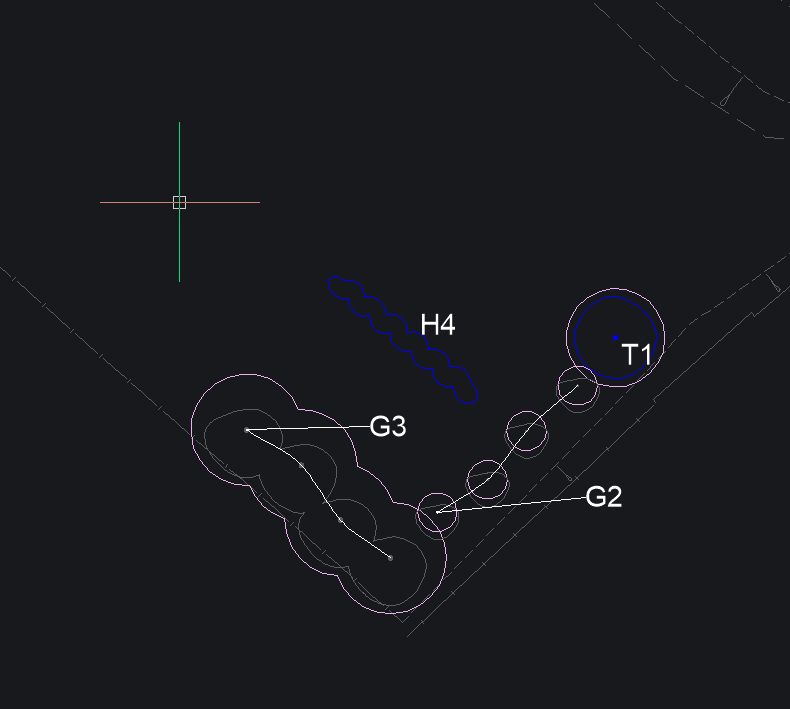
Plot individual trees, groups, or continuous canopies with flexible styling
Draw hedges using flexible polyline-based tools
Apply custom layer prefixes to match company CAD standards
Customise labels and fonts to match your reporting style
Locate and zoom to trees instantly within your drawing
Generate accurate crown spreads based on measured survey data
Choose and customise canopy styles for clear visual output
Estimate future canopy growth directly on plan to support design and planning decisions
Visualise tree shading for environmental and planning assessments
Instantly calculate and display RPAs for single and multi-stem trees
Trim RPAs around existing ground features and automatically recalculate protection areas
Combine canopy, shadow, and RPA data to create clear, coordinated constraint plans
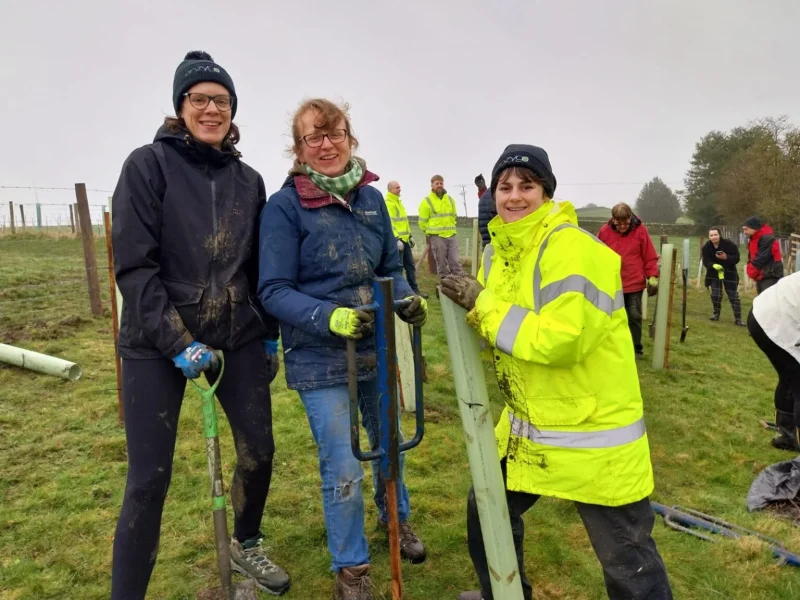
Add tree protection fencing to clearly define protection areas
Apply tree removal and pruning hatches instantly for clear, compliant plans
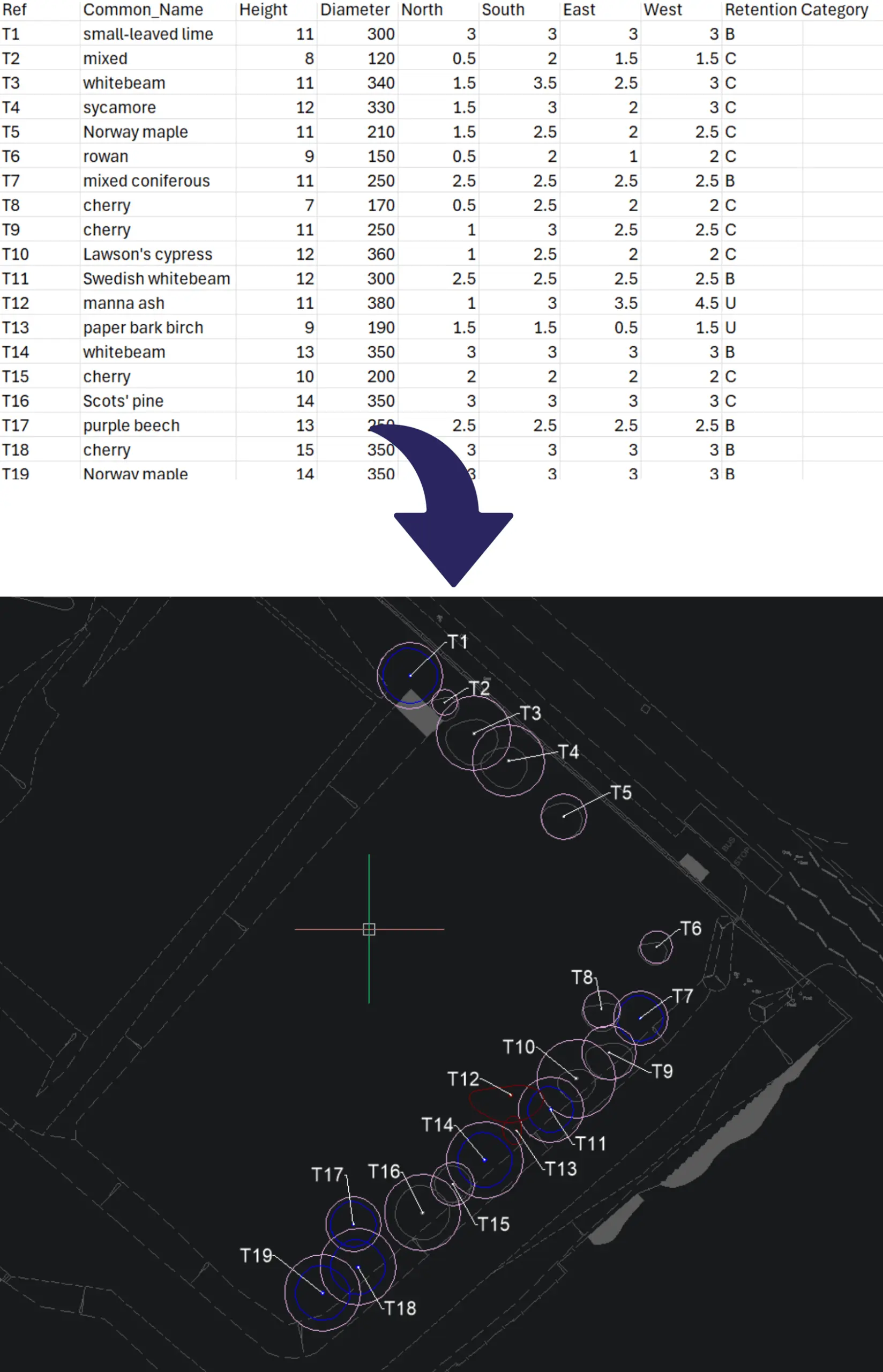
Import your tree survey data directly into Qarb — from spreadsheets or coordinate files — and map it instantly into your drawing.
Apply styles, generate RPAs, and adjust canopies with simple tools designed for real-world workflows.
Everything updates live in your DWG, so your drawing stays accurate, editable, and ready for planning submission.
Qarb combines the simplicity arboriculturists need with the power of true CAD.
Unlike standalone tools or non-DWG systems, Qarb produces real drawings that integrate directly into the wider design and planning process.
Plot trees individually or in groups, apply RPAs, and adjust styles instantly — all within a professional CAD environment.
It’s fast, reliable, and built to save time on every project.
Get up and running quickly with Qarb — whether you’re trialling the software or ready to implement it into your workflow.
Sed ut unde omnis iste natus sit volur tatem accus antium laudan tium totam aperiam veritatis vitae dicta sunt explicabo.
We’re here to help! Explore our FAQ or reach out to us for more information!
Let's try and cover some of the most frequently asked questions. As always, you can contact us for more detailed information.
Absolutely. Qarb is designed specifically around BS5837 requirements. It automatically generates RPAs, canopies, stem positions, labels, and protective fencing in line with the standard — reducing manual drafting and helping you avoid compliance issues or resubmissions.
Yes. Qarb supports CSV and coordinate-based imports. Map your data to tree species, stem positions, crown spread, and height — and Qarb will plot your trees instantly within your drawing.
Qarb runs as a plug-in within BricsCAD® Pro and above and full AutoCAD®. It uses standard CAD entities (lines, circles, text), meaning your drawings remain fully editable and compatible — with no proxy objects or external viewers required.
Yes. You’ll receive direct support from UK-based arboricultural CAD specialists.
That includes phone support, remote sessions, and tailored video guidance where needed — helping you get set up quickly and improve your workflow over time.
You’re not left figuring things out alone — we work with you to make sure Qarb fits how you actually work.
We’ll review your requirements and confirm if a Proof of Concept is the right approach before getting started.
We’ll help you understand what’s active, where, and what to do next.