
We handle the full migration, from setup to training, so your team keeps working without disruption.
Designed for teams moving from AutoCAD who need a smooth, low-risk transition.
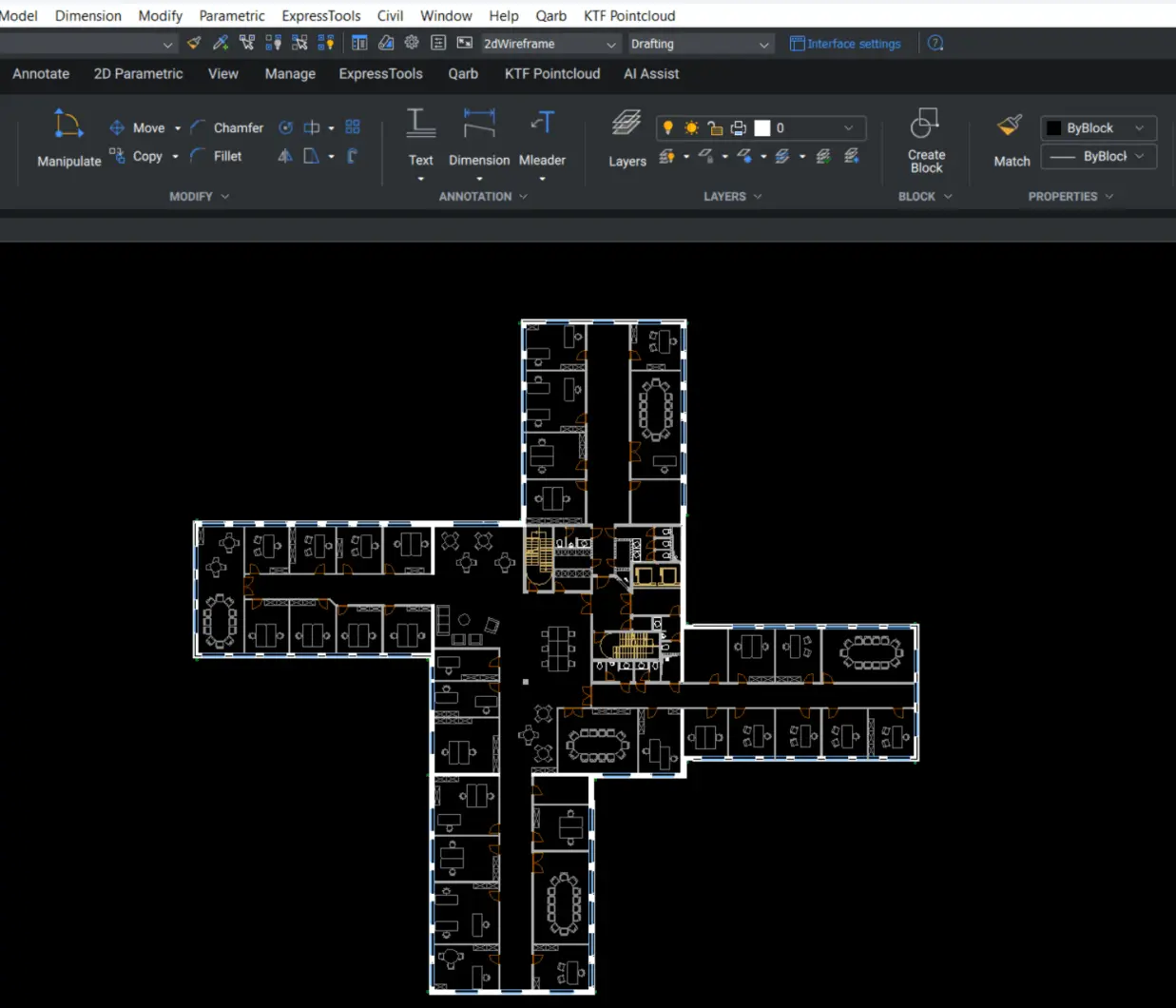
Most migrations fail because they focus on installing software rather than protecting workflows. Without a structured approach, teams lose time, introduce errors, and struggle to stay consistent.
That’s why we focus on protecting your workflows, not just installing BricsCAD.
We take a structured, step-by-step approach to make your move to BricsCAD smooth and predictable – from assessing your current setup, to configuring your environment, migrating your workflows, and getting your team up to speed.
If needed, this can be validated through a Proof of Concept before full rollout.
We assess your current setup and define a clear migration plan so nothing is left to chance.
We configure BricsCAD® to match your standards, so your team can start working straight away.
We transfer and optimise your templates, blocks, and workflows so everything behaves as expected.
We support your team with practical BricsCAD training so they can adopt quickly and confidently.
Your team keeps working in familiar DWG workflows without downtime or rework.
You get up to speed quickly, without the usual drop in productivity during transition.
Your templates, blocks and processes are aligned, reducing errors and inconsistencies.
Move away from workarounds and legacy constraints, while maintaining compatibility with your existing DWG workflows.
Your team knows the system is set up properly and can rely on it day to day.
Keep using your existing DWG files, templates, and standards without starting from scratch.
We’ve made the move to BricsCAD ourselves and helped hundreds of teams do the same so we know exactly where migrations succeed and where they fail.
Newyork
Sed unde omnis iste natus sit volur tatem accus antium laudan tium totam rem aperiam eaque ab illo inventore veritatis et architecto vitae dicta sunt.
Chicago
Sed unde omnis iste natus sit volur tatem accus antium laudan tium totam rem aperiam eaque ab illo inventore veritatis et architecto vitae dicta sunt.
London
Sed unde omnis iste natus sit volur tatem accus antium laudan tium totam rem aperiam eaque ab illo inventore veritatis et architecto vitae dicta sunt.
We’ll review your requirements and confirm if a Proof of Concept is the right approach before getting started.
We’ll help you understand what’s active, where, and what to do next.