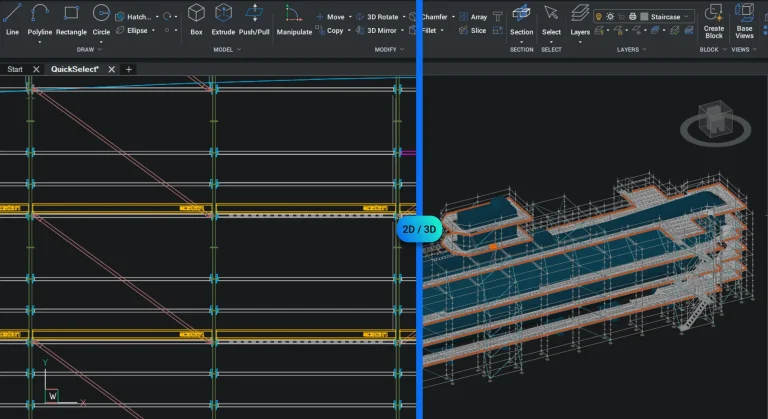
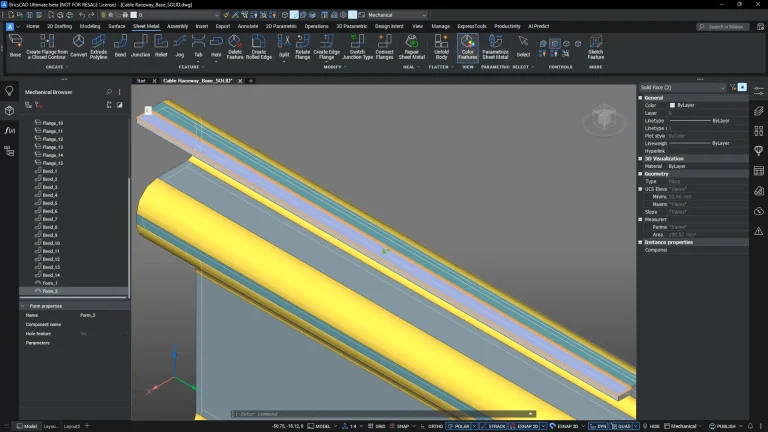
BricsCAD Mechanical builds on the full BricsCAD platform — combining 2D drafting, 3D modeling with dedicated tools for mechanical design, assemblies, and sheet metal. It’s designed for engineers and manufacturers who need to move from concept through to production within a single, consistent environment.
Create, unfold, and refine sheet metal parts using tools trusted by engineers worldwide — built for real manufacturing processes.
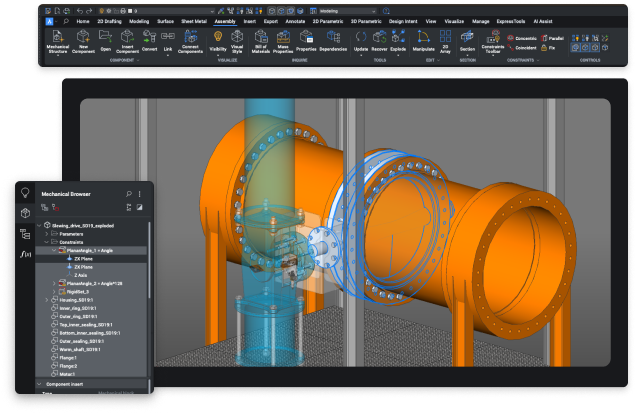
Build and manage complex assemblies with clear structure and full control — making designs easier to develop, review, and refine.
Move from concept through to detailed documentation without changing platforms — keeping your workflow consistent and efficient.
Purpose-built tools for mechanical design, assemblies, and sheet metal workflows — all within a familiar DWG-based environment.
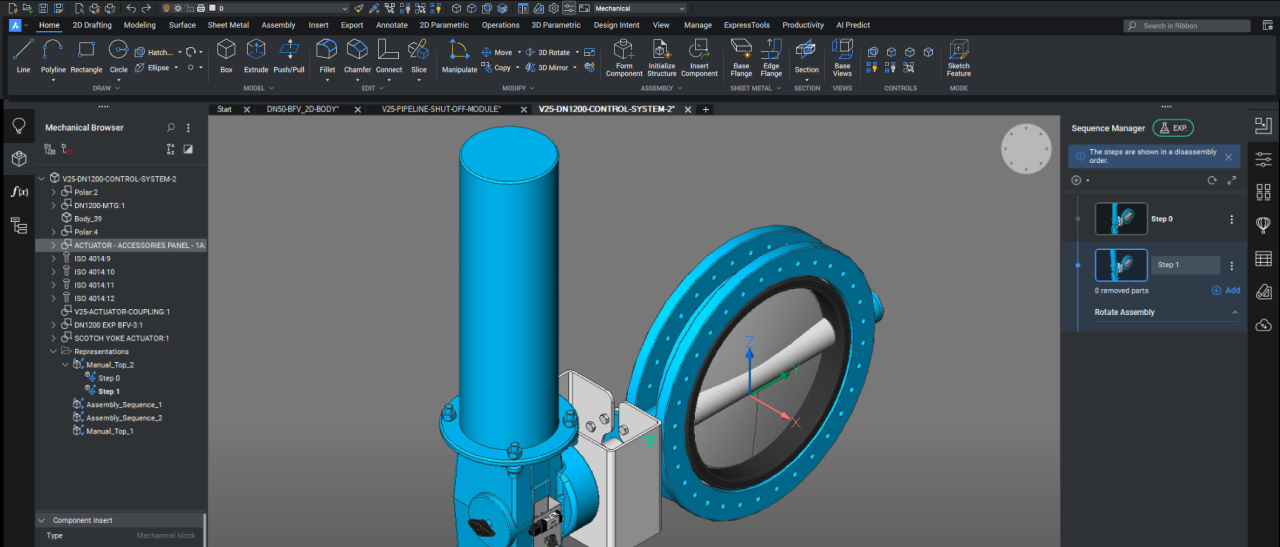
Design and manage complete assemblies with structured components, relationships, and full control over your models.
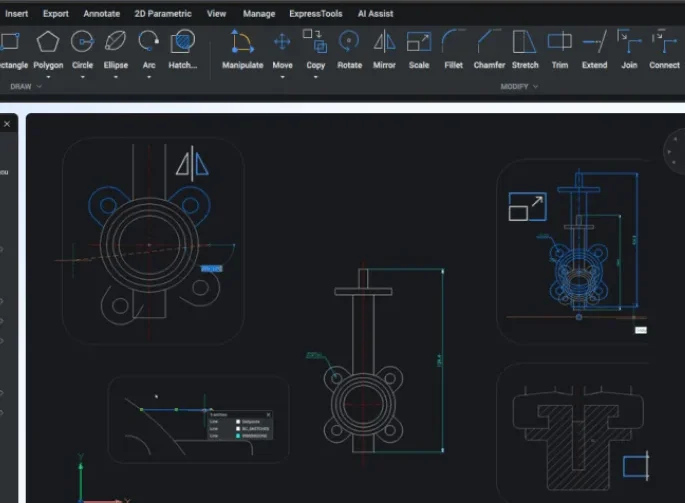
Produce clear, accurate manufacturing drawings using familiar, high-performance drafting tools.
Create precise 3D models from concept through to production, with full control over geometry and design intent.
Flexible modelling control for real-world design workflows
Automatically generate bills of materials from your assemblies, ensuring accurate and consistent production data.
Design, modify, and unfold sheet metal components with tools trusted by engineers worldwide.
Quickly generate detailed 2D drawings from your 3D models, keeping designs clear and production-ready.
Identify clashes, refine assemblies, and ensure designs are ready for real-world use before production.
For constructing 3D assemblies and generating comprehensive 2D documentation for products.
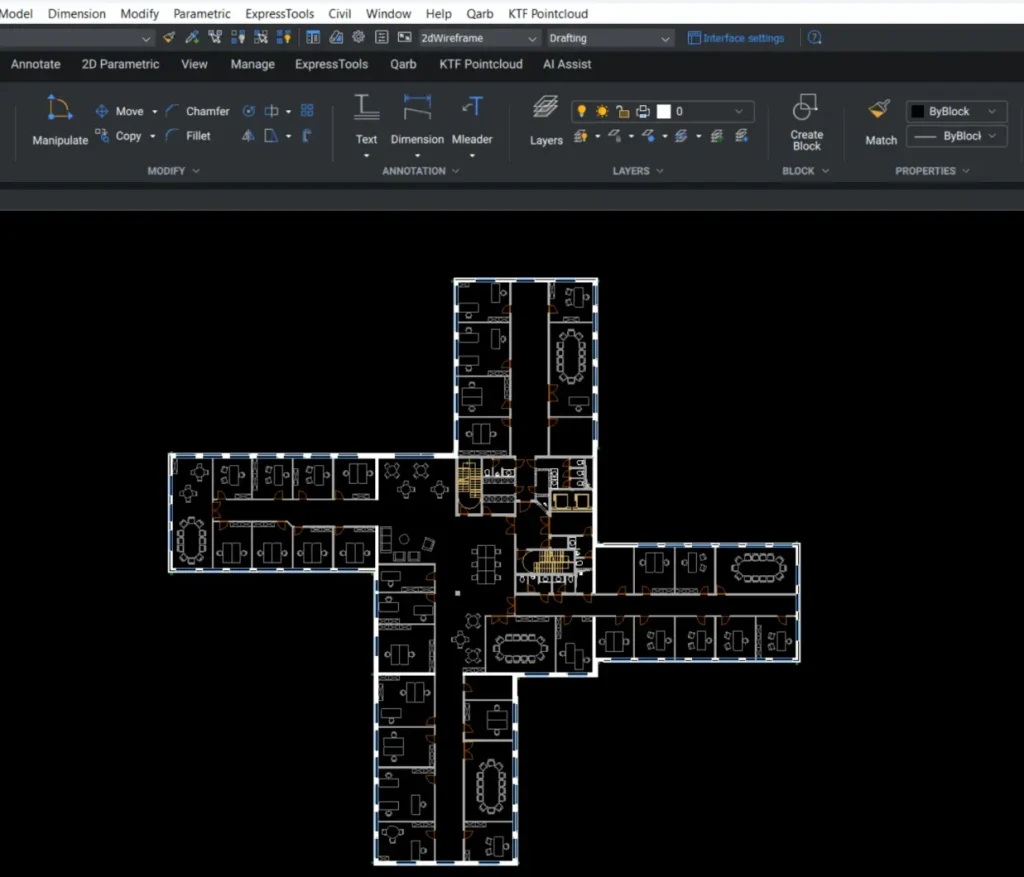
Open, edit, and work with DWG files while maintaining accuracy and consistency across your projects.
Quickly access and adjust the parametric properties of mechanical parts and assemblies from a centralized interface.
Utilize a collection of 30,000 standard mechanical components, offering over 800 customizable parameters.
Develop intricate hierarchies of parts and sub-assemblies using both bottom-up and top-down design approaches.
BricsCAD Mechanical delivers full 2D and 3D design tools, assembly modeling, and sheet metal features—at a price that makes sense for serious production work.
See BricsCAD in action on our Techniques, Tips and Resources page.
Not sure if BricsCAD Mechanical is the right fit? These quick answers will help.
BricsCAD Mechanical includes powerful 2D drafting, 3D part and assembly modelling, exploded views, BOM generation, and intelligent sheet metal tools—all within a DWG-native platform.
Yes. It’s built for manufacturing. You can create fully detailed part models, assemblies with constraints, flat patterns for sheet metal, and export to industry-standard formats.
Yes. BricsCAD Mechanical supports standard mechanical 2D entities (ISO, ANSI, JIS), and can convert or open legacy Mechanical CAD DWG files, retaining layers, annotations, symbols, and metadata for seamless transition.
Yes. BricsCAD Mechanical is ideal for AutoCAD Mechanical users, offering similar parametric modeling, assembly tools, and BOM generation—at a significantly lower cost.
We’ll review your requirements and confirm if a Proof of Concept is the right approach before getting started.
We’ll help you understand what’s active, where, and what to do next.