BricsCAD® Pro

The complete CAD platform for real-world design workflows

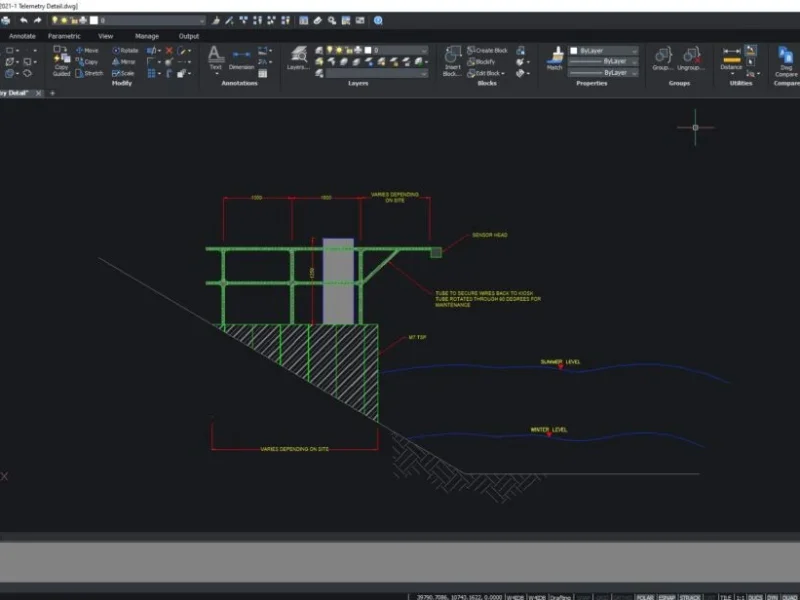
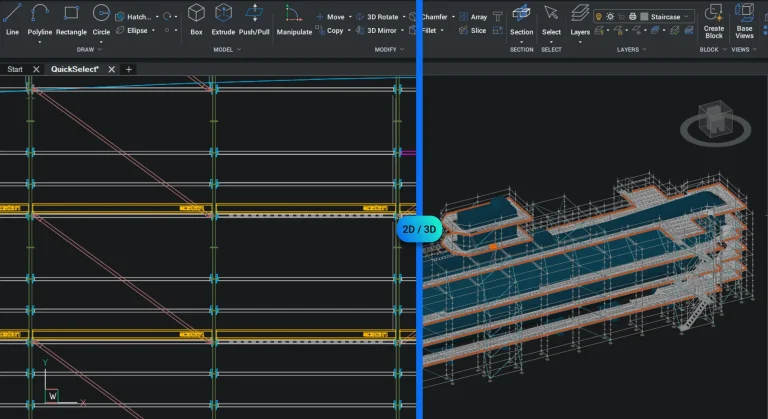
Built on the industry-standard DWG format, BricsCAD Pro gives you the flexibility to move from 2D drafting to 3D modeling, civil and survey workflows, and custom plug-ins — all in one familiar environment.

BricsCAD Pro

Why professionals choose BricsCAD Pro

BricsCAD Pro is where CAD stops being just drafting software and becomes a complete working environment.

It gives you the flexibility to move beyond 2D workflows — with direct 3D modeling, built-in civil and survey tools, and full support for industry plug-ins. Everything works together inside the same DWG-based platform, so your environment stays consistent as your projects become more complex. 

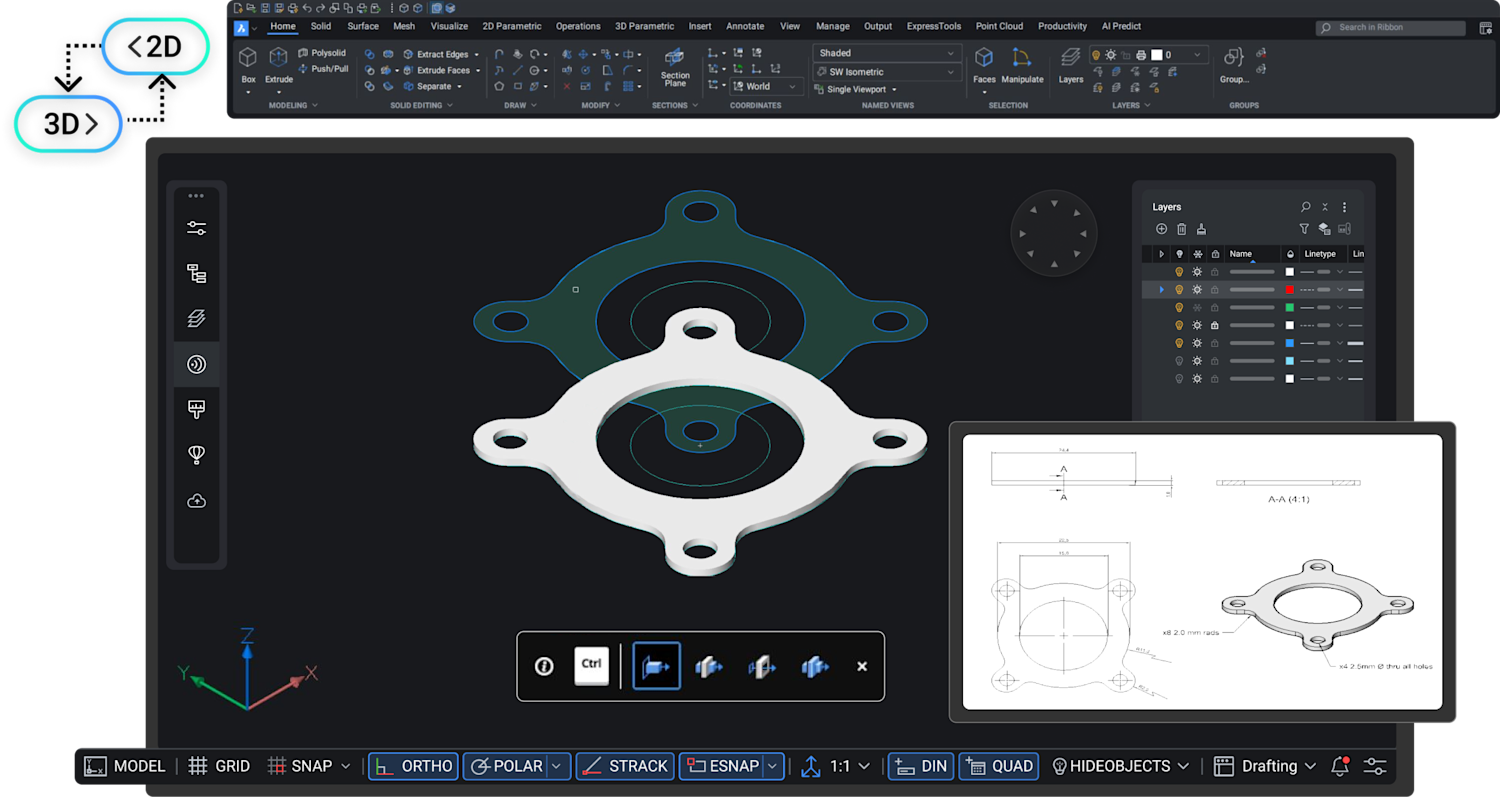
For many teams, this changes how work gets done. Instead of working purely in 2D, designs can be developed in 3D first — making them easier to understand, easier to communicate, and easier to refine — before producing clear, accurate 2D outputs.

These tools open up new opportunities in how you work — making projects faster to develop, easier to understand, and more efficient to deliver.

How BricsCAD Pro fits into your workflow

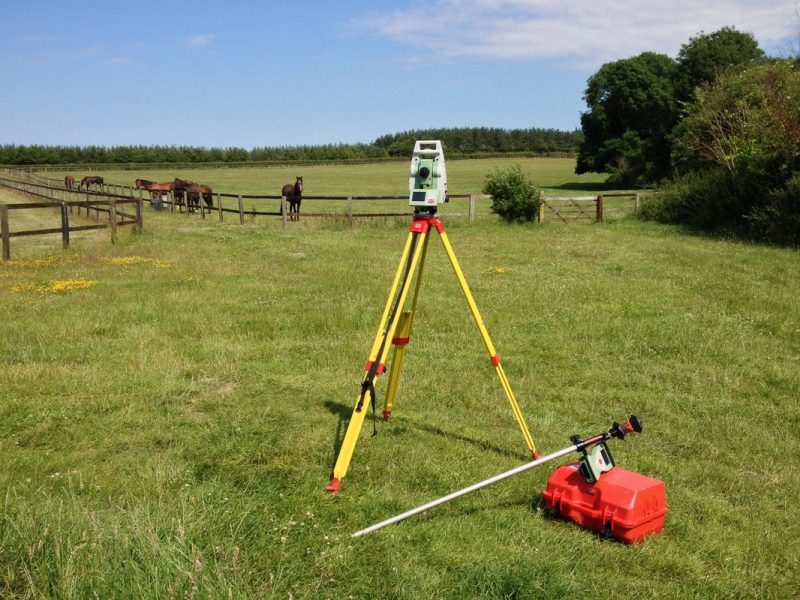
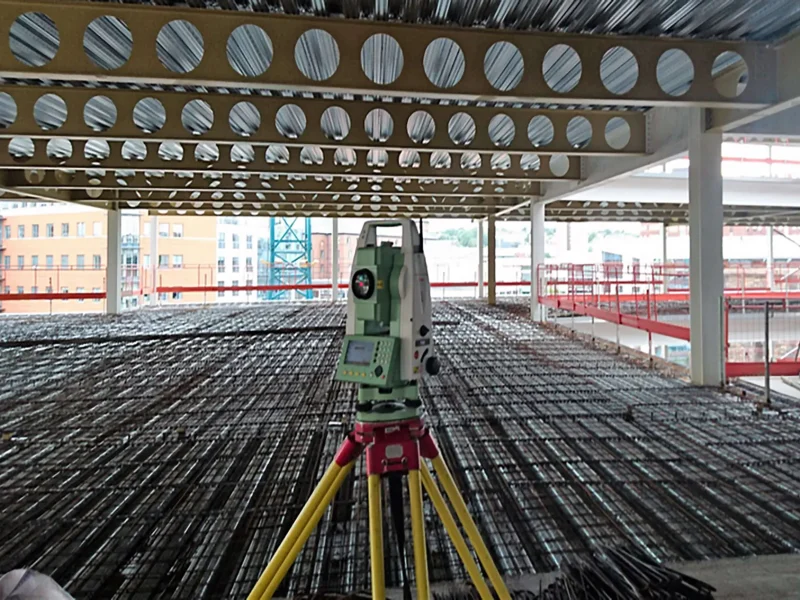
Built for real survey and civil workflows

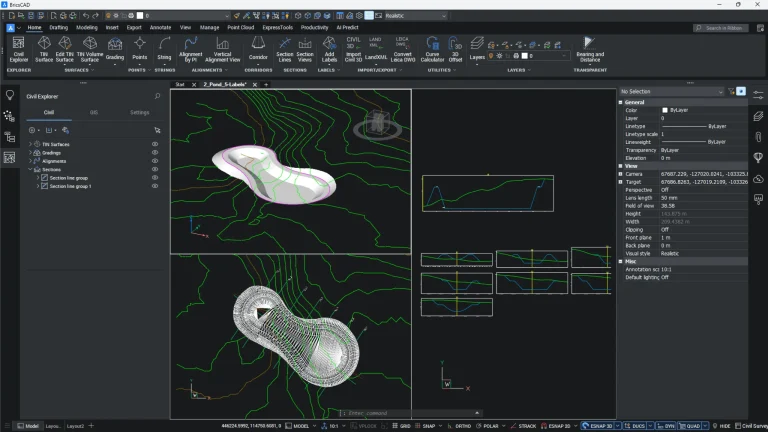
Access dedicated tools and workspaces designed around how surveyors and engineers actually work — not bolted-on features.

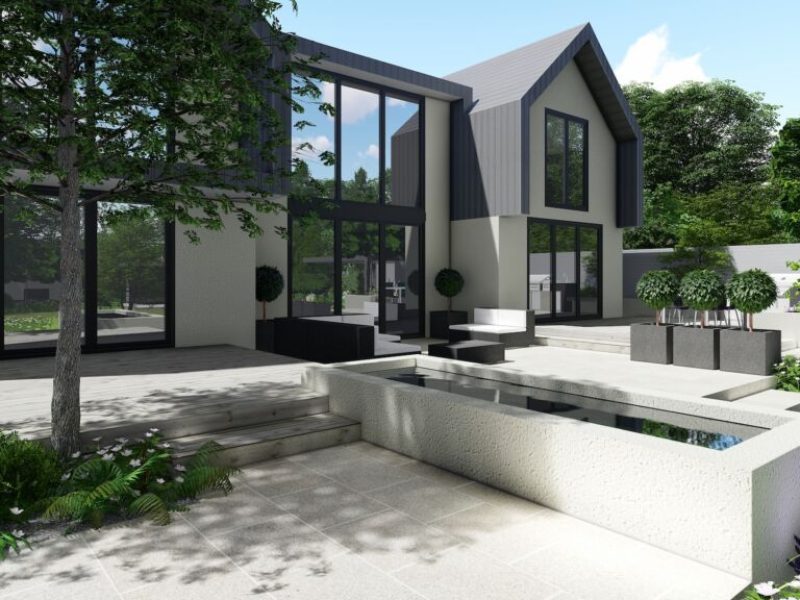
Design in 3D, deliver in 2D

Develop your designs in 3D to improve clarity, reduce errors, and make collaboration easier — then generate accurate 2D drawings when you need them.

Extend your CAD with plug-ins

Use industry specific plug-ins and KTF tools like Pointcloud and MiniTools to tailor BricsCAD Pro to your exact workflow.

BricsCAD Pro Features

All the power of BricsCAD Lite, plus advanced tools for 3D modeling, automation, and plug-in support—giving professionals the flexibility to build smarter, faster.

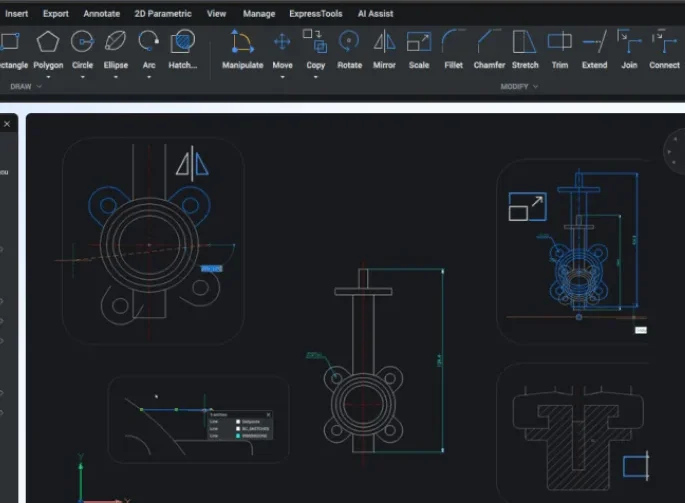
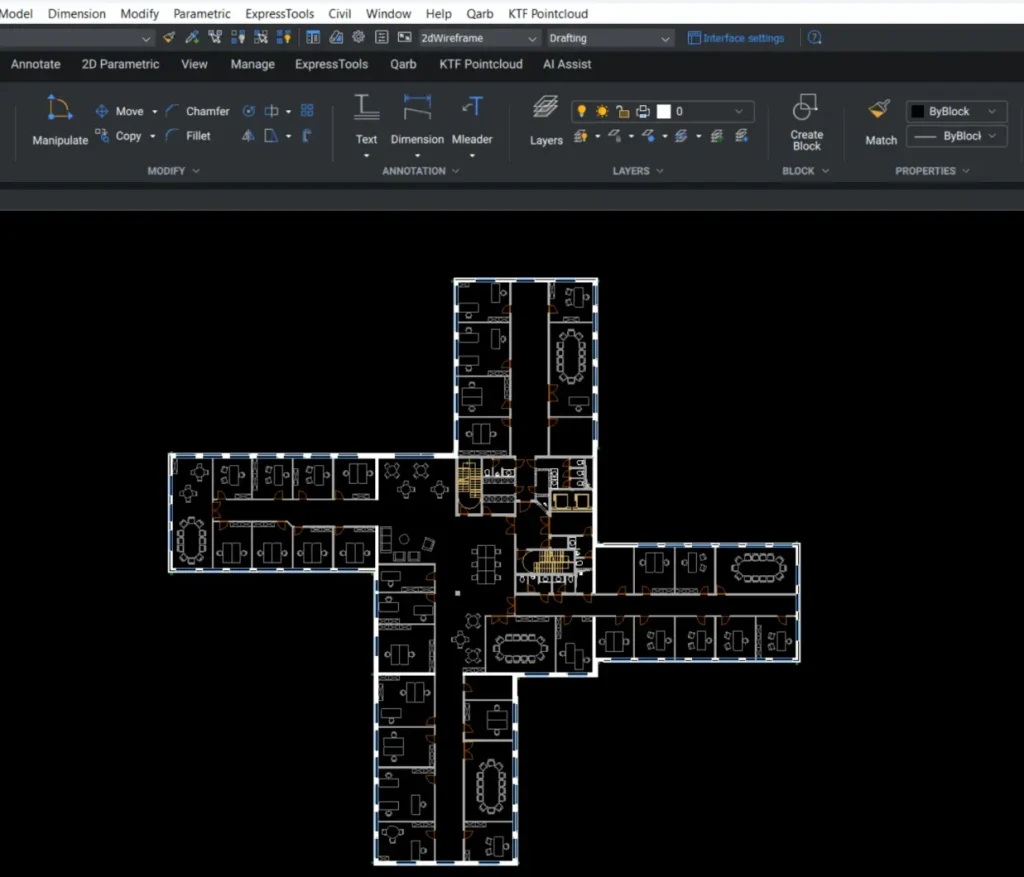
2D Drafting

Create fast, precise 2D drawings using intelligent drafting tools built for professional workflows.

Customization & Automation

Streamline repetitive tasks and tailor your workflows with LISP, scripts, and custom commands.

3D Modeling

Develop accurate 3D models directly from your designs — improving clarity, coordination, and downstream production.

Civil and Survey

Work with survey data and civil workflows using tools designed for real-world engineering and site-based projects.

Design & Layout Tools

Plan and optimise layouts in 2D or 3D with tools designed for spatial accuracy and efficient design development.

Survey Data Integration

Import and work with survey data efficiently to produce accurate, real-world CAD deliverables.

Create Optimized TIN Surfaces

Process point cloud and survey data to quickly generate clean, usable TIN surfaces.

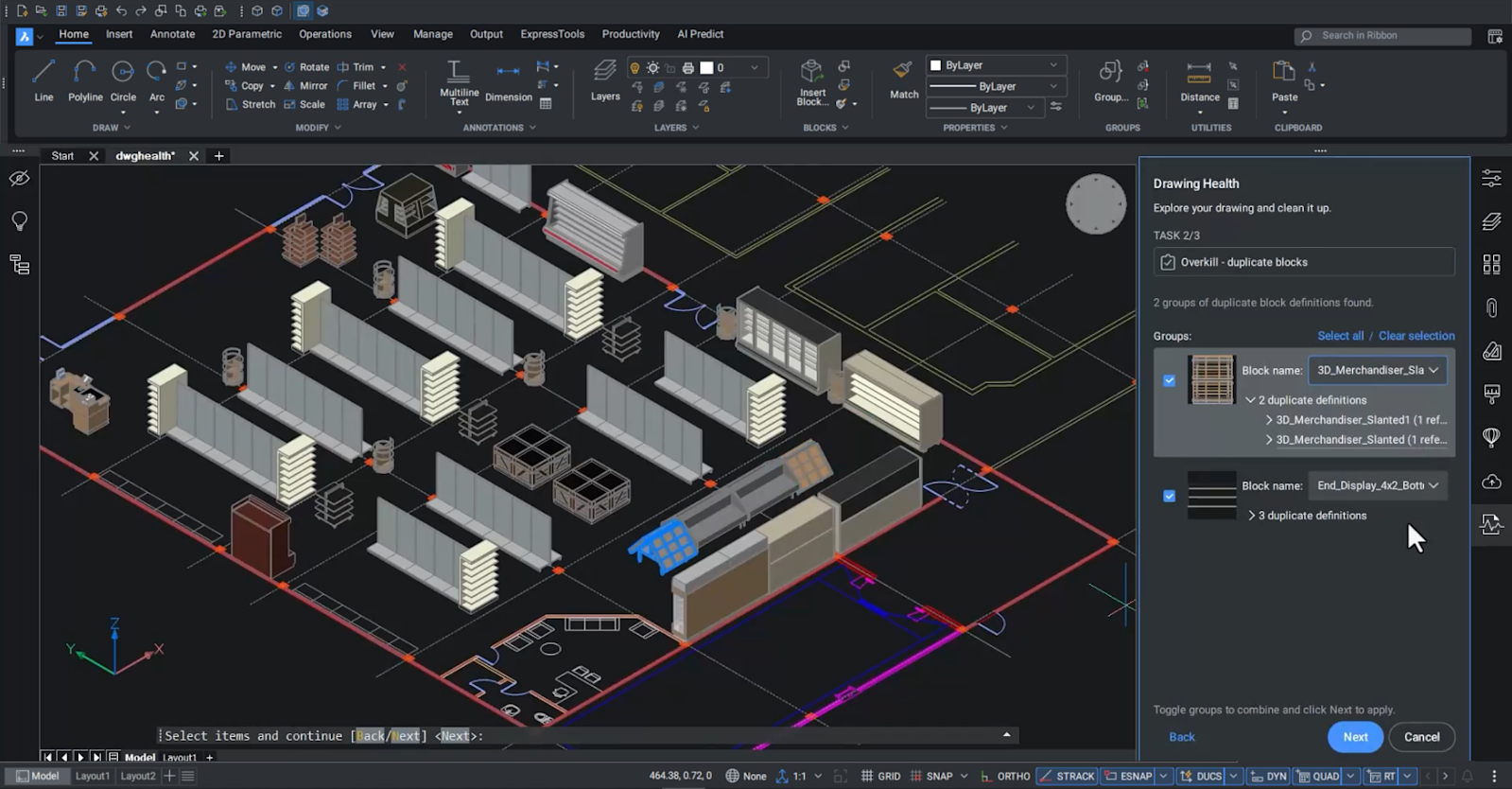
Design Validation

Check and refine your designs in both 2D and 3D — helping identify issues early and reduce rework.

Included Toolsets

BricsCAD
BricsCAD_app_icon

2D Drafting

Create precise 2D drawings using a fast, familiar DWG-based workflow
BricsCAD_app_icon
3D_Modeling_toolset

3D Modeling

Move from concept to production with flexible 3D modeling in the same environment
BricsCAD_app_icon
Civil_and_Survey_toolset

Civil and Survey

Designed for real-world survey and civil workflows

BricsCAD Pro Benefits

Designed to improve how you work — from first concept through to final delivery.

BricsCAD Pro

Work seamlessly with DWG

Open, edit, and share DWG files with confidence, knowing your data stays accurate and fully compatible across teams and projects.

Improve collaboration across your projects

Work more effectively with colleagues, clients, and stakeholders by sharing clear, accurate designs that are easy to understand and review.

Design with clarity from concept to production

Move between 2D and 3D workflows effortlessly, improving design accuracy, reducing errors, and making projects easier to develop and deliver.

Extend your workflow with the tools you need

Use industry plug-ins and partner applications to tailor BricsCAD Pro to your workflows — including solutions for survey, point clouds, and specialist design tasks.

Buy BricsCAD Pro?

BricsCAD Pro offers advanced performance and features at a fraction of the cost—full 2D, 3D, and automation tools built for professional workflows.

See BricsCAD in Action
in Our Case Studies!

Discover how professionals use BricsCAD Pro to speed up complex workflows, reduce costs, and gain more control over their 2D and 3D CAD projects.

Explore Our BricsCAD Courses

Build confidence with BricsCAD Pro. Our expert-led courses cover advanced 2D, 3D modeling, and automation tools—designed to help you get the most from your software.

A-to-B

AutoCAD® to BricsCAD®
– A Guide to Seamless Transition

BricsCAD-Essentials-2D

BricsCAD® Essentials
– Kickstart Your 2D Design Journey

A_BricsCAD-2D-to-3D

From BricsCAD® 2D to 3D
Modeling

BricsCAD Techniques, Tips and Resources

See BricsCAD in action on our Techniques, Tips and Resources page.

FAQ

Not sure if BricsCAD Pro is right for you? These quick answers might help.

BricsCAD Pro is a direct replacement for full AutoCAD—at a fraction of the cost. It offers native DWG compatibility, a familiar interface, and advanced toolsets including a built-in civil workspace, making it a powerful and budget-friendly alternative for professional users.

Yes. BricsCAD Pro connects you to a global app ecosystem via the official BricsCAD Application Catalog. You can browse hundreds of third‑party tools, including civil and survey toolsets, mechanical extensions, and point‑cloud plugins.

Yes. You can upgrade at any time by simply paying the difference in list price and the maintenance cost is pro-rated—making it easy to scale when your needs grow.

You get more than just a license. We provide expert UK-based support, help with migration, training options, and real help when you need it—whether it’s technical questions, setup guidance, or custom workflow advice. We’re software developers too, so we understand how you and BricsCAD work.

Powered by DIT Innovations
Get BricsCAD® Software Free Trial
Start Your Proof of Concept

We’ll review your requirements and confirm if a Proof of Concept is the right approach before getting started.

Make Sense of Your BricsCAD® Licensing

We’ll help you understand what’s active, where, and what to do next.

Book a Call