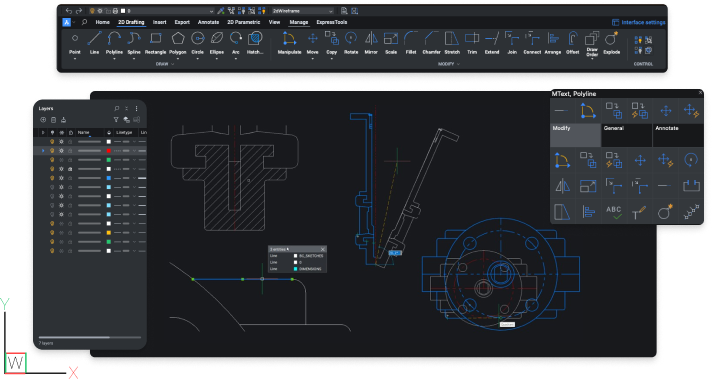
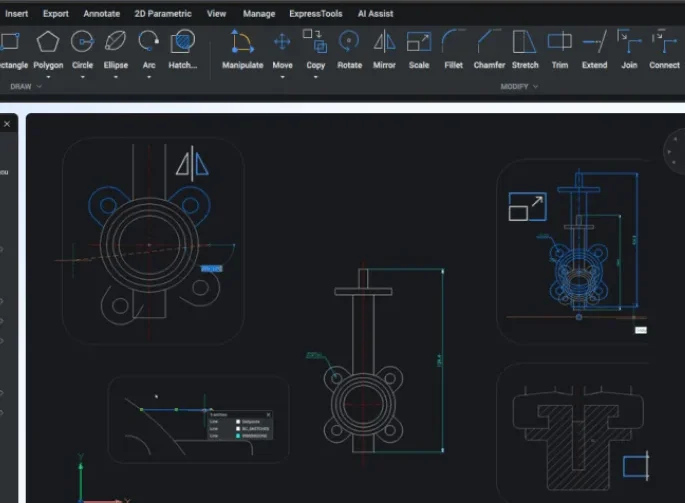
BricsCAD Lite is a fast, DWG-native 2D CAD platform that feels immediately familiar to AutoCAD® users, allowing you to produce, edit, and manage drawings efficiently without changing the way you work.
BricsCAD Lite is built for users who need intelligent, fast CAD software for producing and managing 2D drawings, with a familiar DWG-based workflow.
Everything You Need for Efficient 2D CAD Work
No Learning Curve, Just Work
Pick it up and start drawing using the commands and workflows you already know.
Precision 2D Drafting Tools
Create accurate drawings with a complete set of professional drafting tools built for speed, control, and consistency.
Built for Real-World CAD Work
Handle day-to-day drawing production with a stable, reliable platform that fits into your existing workflow without friction.
BricsCAD Lite Features
Fast, efficient 2D drafting with a familiar interface. BricsCAD Lite delivers powerful performance, full DWG compatibility, and smart tools to speed up your workflow.
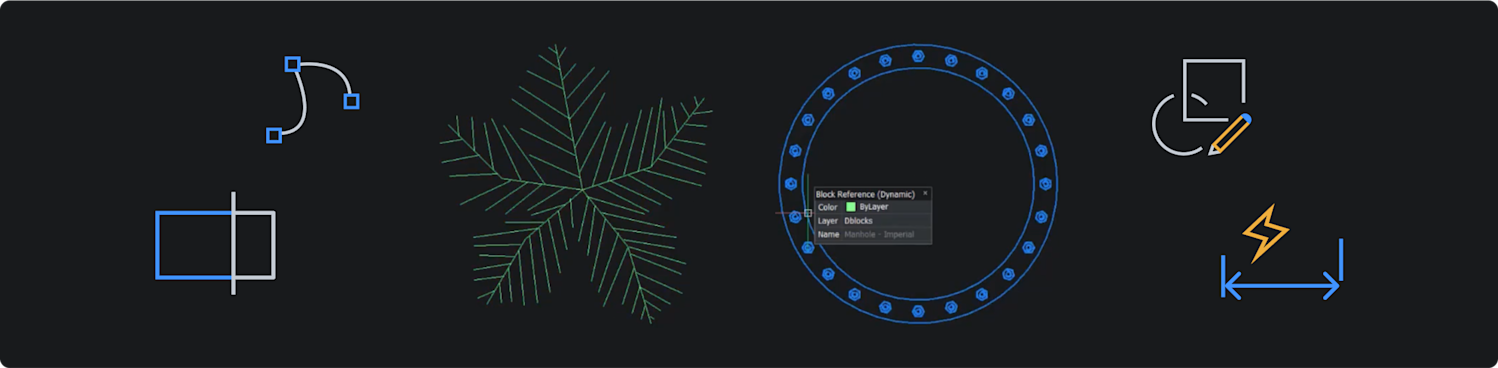
Precision 2D Drafting
Create accurate drawings using a complete set of professional drafting tools built for speed and control.
Customization & Automation
Adapt the software to your workflow with LISP, custom commands, and automation tools that reduce repetitive work.
Efficient File Handling
Open, review, and edit DWG files quickly, with support for large drawings and smooth day-to-day performance.
Drawing Optimisation Tools
Clean files, resolve errors, and remove unnecessary data to keep drawings fast, stable, and reliable.
Familiar DWG Workflow
Work with native DWG files, commands, and behaviours that match what your team already knows.
Flexible Licensing Options
Choose how your team accesses CAD with cost-effective licensing that fits the way you work.
Included Toolset
2D Drafting
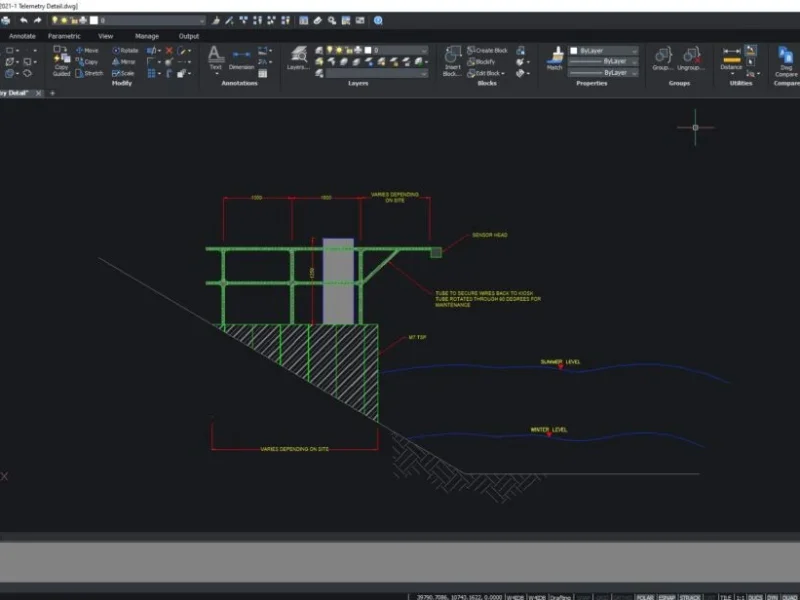
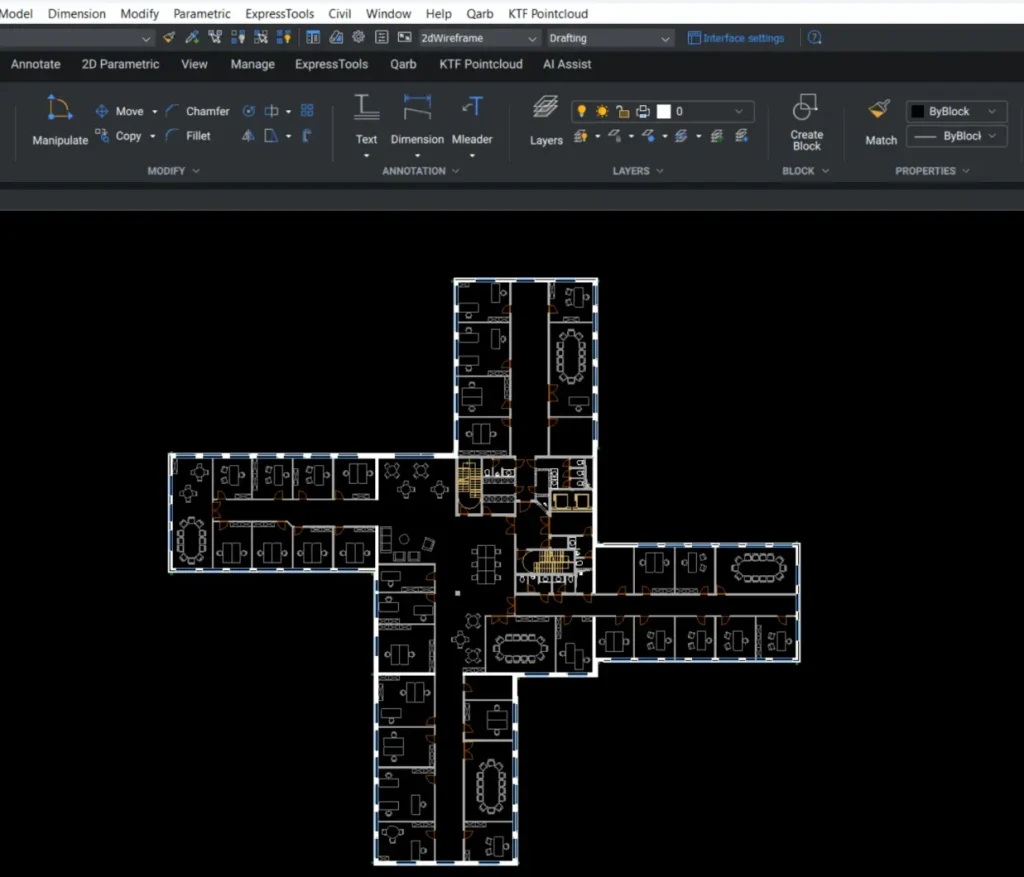
Create precise 2D drawings using a fast, familiar DWG-based workflow
Generate geometry, edit designs, and add annotations using a consistent set of commands within a single DWG-based environment
Customise and automate your workflow with LISP, using your existing routines or building your own to match the way you work
BricsCAD Lite Benefits
Work faster, stay compatible, and produce accurate drawings using a CAD platform that fits the way you already work.
Native DWG Compatibility
Work directly with industry-standard DWG files. Open, edit, and share drawings without conversion or data loss.
Familiar CAD Environment
Use commands, tools, and workflows that feel instantly recognisable, so you can get started without retraining.
Fast, Efficient Workflows
Complete everyday drafting tasks quickly using a responsive system built to handle real project workloads.
AI-Powered Productivity Tools
Enhance productivity with BricsCAD’s unique commands that streamline workflow by eliminating repetitive tasks.
Buy BricsCAD Lite
Get started with fast, reliable 2D CAD. BricsCAD Lite offers a familiar interface, full DWG support, and flexible licensing. All at a fraction of the cost.
Real-world results from professionals using BricsCAD. See how surveyors, engineers, and designers are streamlining projects, cutting costs, and working smarter.
Future Surveys Case Study: Faster Scan-to-Plan Workflows with BricsCAD and KTF Pointcloud
Arthur Hudson Streamlines Design Workflow with BricsCAD
Macleod Simmonds Enjoy a Seamless Transition and Cost Efficiency with BricsCAD
Enzygo Case Study: A Comprehensive Journey with KTF Software Solutions
How Wessex Archaeology Unlocked Cost Efficiency and Enhanced Capabilities with BricsCAD
Articulate Engineering: Automating Structural Engineering Tasks with BricsCAD Lite and the Power of Lisp
Case Study: Bridging Continents to Deliver Top-Notch BricsCAD Training for Bendix Commercial Vehicle Systems
Dru Allan Design: Enhancing Landscape Design with BricsCAD and Qscape
Witham Fourth District Internal Drainage Board’s Transition to BricsCAD and KeyTERRA-FIRMA Mainstream
Amber Utilities’ Journey in Transitioning to KeyTERRA-FIRMA Base and BricsCAD
Aworth Survey Consultants: A BricsCAD Customer Case Study
Kyoob’s Transition to BricsCAD – A User’s Perspective
Learn BricsCAD Lite with confidence. Our focused training covers 2D drafting, smart tools, and everything you need to get productive fast. No wasted time or confusion.
Answers to common questions about BricsCAD Lite. Covering features, licensing, support, and what to expect when getting started.
What is BricsCAD Lite best used for?
BricsCAD Lite is ideal for fast, precise 2D drafting. It’s perfect for professionals who need a powerful yet affordable alternative to high-cost CAD tools, with full DWG compatibility.
Is the interface easy to learn?
Absolutely! If you can use AutoCAD, you can use BricsCAD. It has a familiar layout and command structure, making it easy to pick up. Especially if you’ve used other CAD software before. Most users are productive within hours.
What kind of licence options are available?
You can choose between a perpetual licence (yours to keep), annual subscription, volume and network licences. This flexibility makes it easy to match your budget and team setup.
Does BricsCAD Lite include technical support?
All new BricsCAD licenses come with 12 months’ maintenance which include priority support. When you buy through KTF Software, you get access to UK-based expert support, helpful training content, and fast answers whenever you need help.
Manage Consent
To provide the best experiences, we use technologies like cookies to store and/or access device information. Consenting to these technologies will allow us to process data such as browsing behavior or unique IDs on this site. Not consenting or withdrawing consent, may adversely affect certain features and functions.
Functional
Always active
The technical storage or access is strictly necessary for the legitimate purpose of enabling the use of a specific service explicitly requested by the subscriber or user, or for the sole purpose of carrying out the transmission of a communication over an electronic communications network.
Preferences
The technical storage or access is necessary for the legitimate purpose of storing preferences that are not requested by the subscriber or user.
Statistics
The technical storage or access that is used exclusively for statistical purposes.The technical storage or access that is used exclusively for anonymous statistical purposes. Without a subpoena, voluntary compliance on the part of your Internet Service Provider, or additional records from a third party, information stored or retrieved for this purpose alone cannot usually be used to identify you.
Marketing
The technical storage or access is required to create user profiles to send advertising, or to track the user on a website or across several websites for similar marketing purposes.