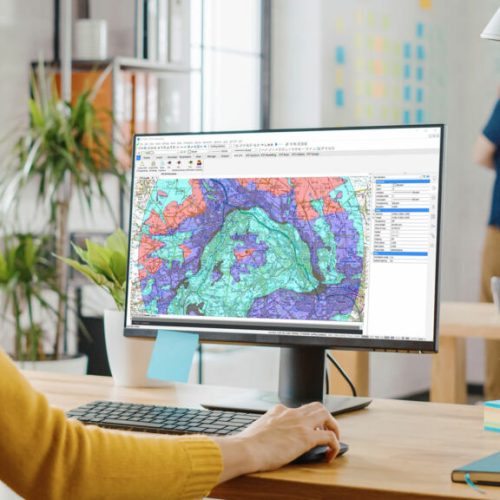
KeyTERRA-FIRMA ZTV helps you assess visibility, understand landscape impact, and support planning decisions — all directly inside BricsCAD® or AutoCAD®.
Designed for landscape architects, planners, and environmental consultants working on visual impact assessments.
If you need to understand what will be visible, from where, and how it affects planning decisions — ZTV gives you the answers quickly and clearly.
Understand how developments interact with terrain and surrounding landscapes.
Analyse visibility zones to support planning applications and design decisions.
Identify where development will be visible and adjust designs accordingly.
Advanced ZTV and visibility analysis tools built directly into your CAD environment.
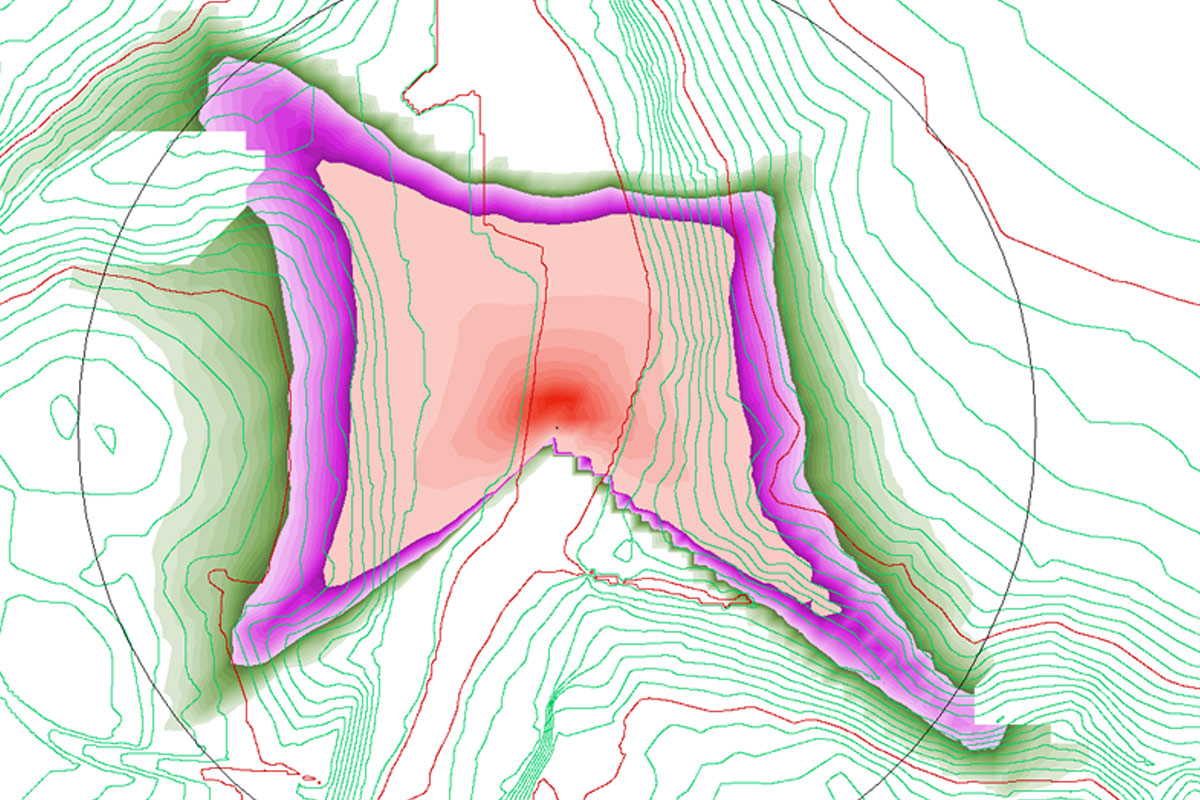
Calculate visibility zones from one or multiple viewpoints using terrain and surface data.
Set viewer height, target height, and visibility range to match real-world scenarios.
Produce clear, visual outputs for reporting and presentations.
Work with OS terrain models, imported TINs, or surfaces built from point data.
View and present results directly in DWG — no external tools required.
Run batch visibility from several locations simultaneously for efficiency.
Deliver clearer visibility analysis, faster planning decisions, and more confident project outcomes.
Understand where developments will be visible and how they impact the landscape.
Run visibility studies directly in CAD without external software.
Generate clear outputs ready for reports and planning applications.
Ideal for wind farms, solar, infrastructure, and development projects.
Adjust visibility settings to meet project and regulatory requirements.
Keep all analysis inside your CAD workflow with no file conversions.
Simple pricing with flexible licensing — subscription or perpetual options available.
Sed ut unde omnis iste natus sit volur tatem accus antium laudan tium totam aperiam veritatis vitae dicta sunt explicabo.
We’re here to help! Explore our FAQ or reach out to us for more information!
Common questions answered about ZTV features, usage, and CAD compatibility.
ZTV is used to assess where a proposed development will be visible from. It’s ideal for Landscape and Visual Impact Assessments (LVIA), renewable energy projects, and any planning scenario where visibility matters.
Like all KeyTERRA-FIRMA Products, ZTV runs directly inside BricsCAD® Pro and full AutoCAD®. It outputs visibility zones directly in DWG with no external software required.
You can use terrain models built from surveyed points or import OS Terrain or general LIDAR DTM and DSM data. ZTV calculates visibility directly from your surface, regardless of the source.
Yes. The following Visual Barrier (VB) types can be specified: Automatic VBs from the optional DSM model; Areal VBs (vegetation, dense built-up areas); Linear VBs (hedges, walls); Wire Frame VBs (factory roofs, man-made structures, etc.).
We’ll review your requirements and confirm if a Proof of Concept is the right approach before getting started.
We’ll help you understand what’s active, where, and what to do next.