
We help your team get up to speed with BricsCAD quickly, from first use to advanced workflows.
Choose a course below, or talk to us and we’ll recommend the right mix for your team.
Not sure where to start?
• New to BricsCAD: start with BricsCAD Essentials
• Moving from AutoCAD®: AutoCAD to BricsCAD
• Improving how your team works: CAD Standards & Workflow
• Working in a specialist area: Civil & Survey, BIM & IFC, or Mechanical

Move from AutoCAD to BricsCAD and keep working the way you do now. This course focuses on what’s different, so experienced AutoCAD users are working confidently in BricsCAD after a single two to three hour session.
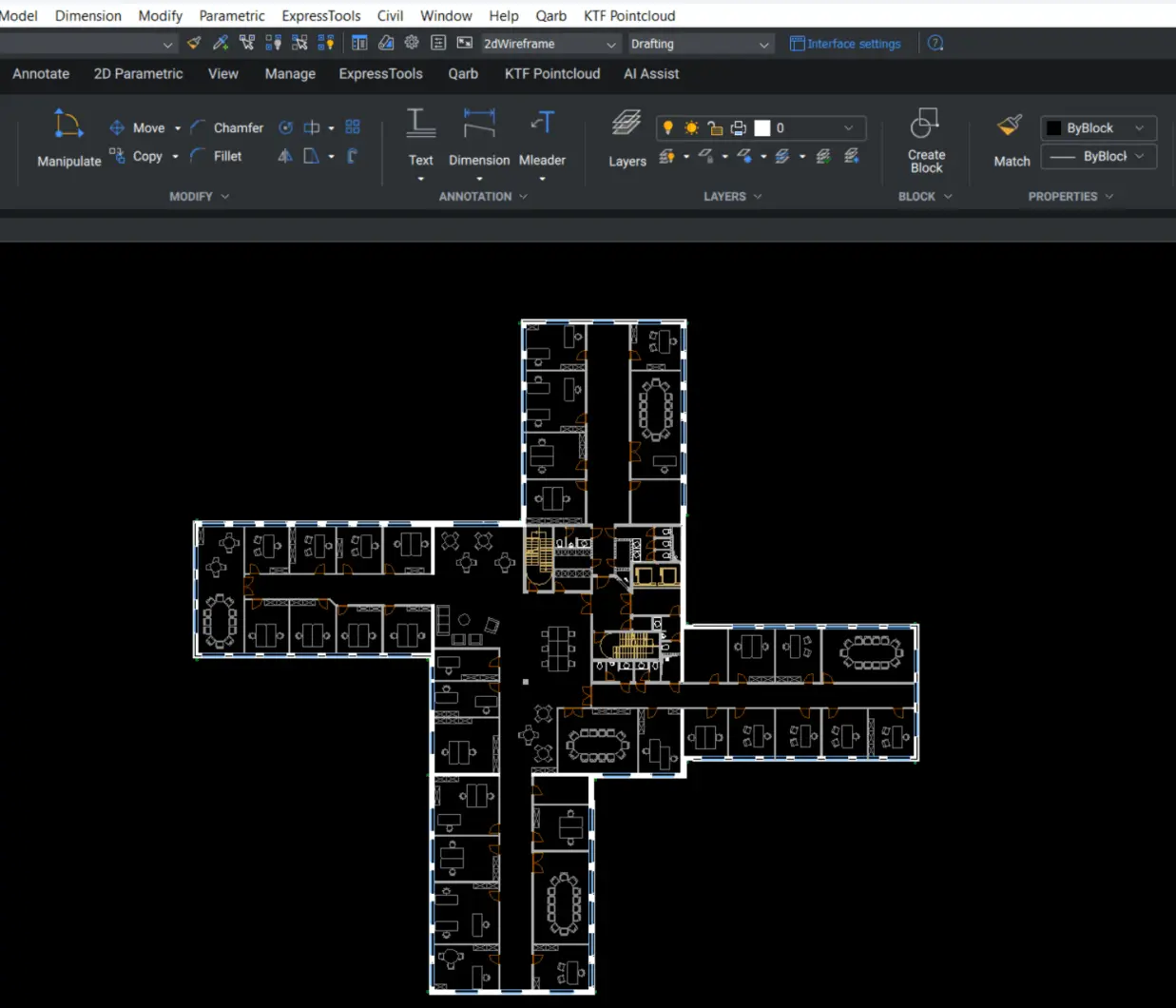
Build confidence in BricsCAD from day one. For new users, this course covers the core drawing, editing and annotation tools, so they can produce clear, accurate drawings on their own.
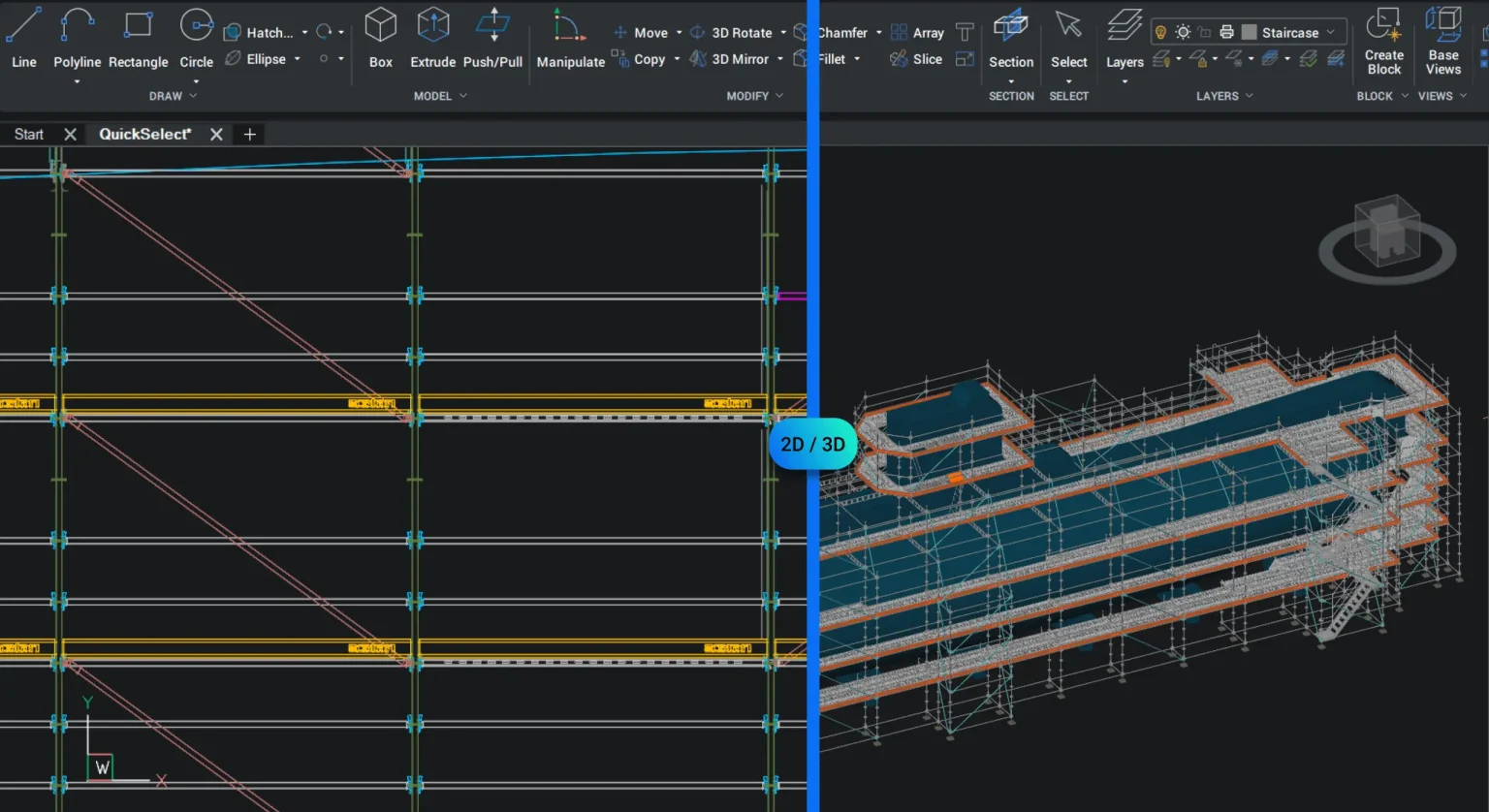
Take your work from 2D into 3D. Learn to create and edit 3D models in BricsCAD and produce drawings from them, using examples from your own projects where possible.
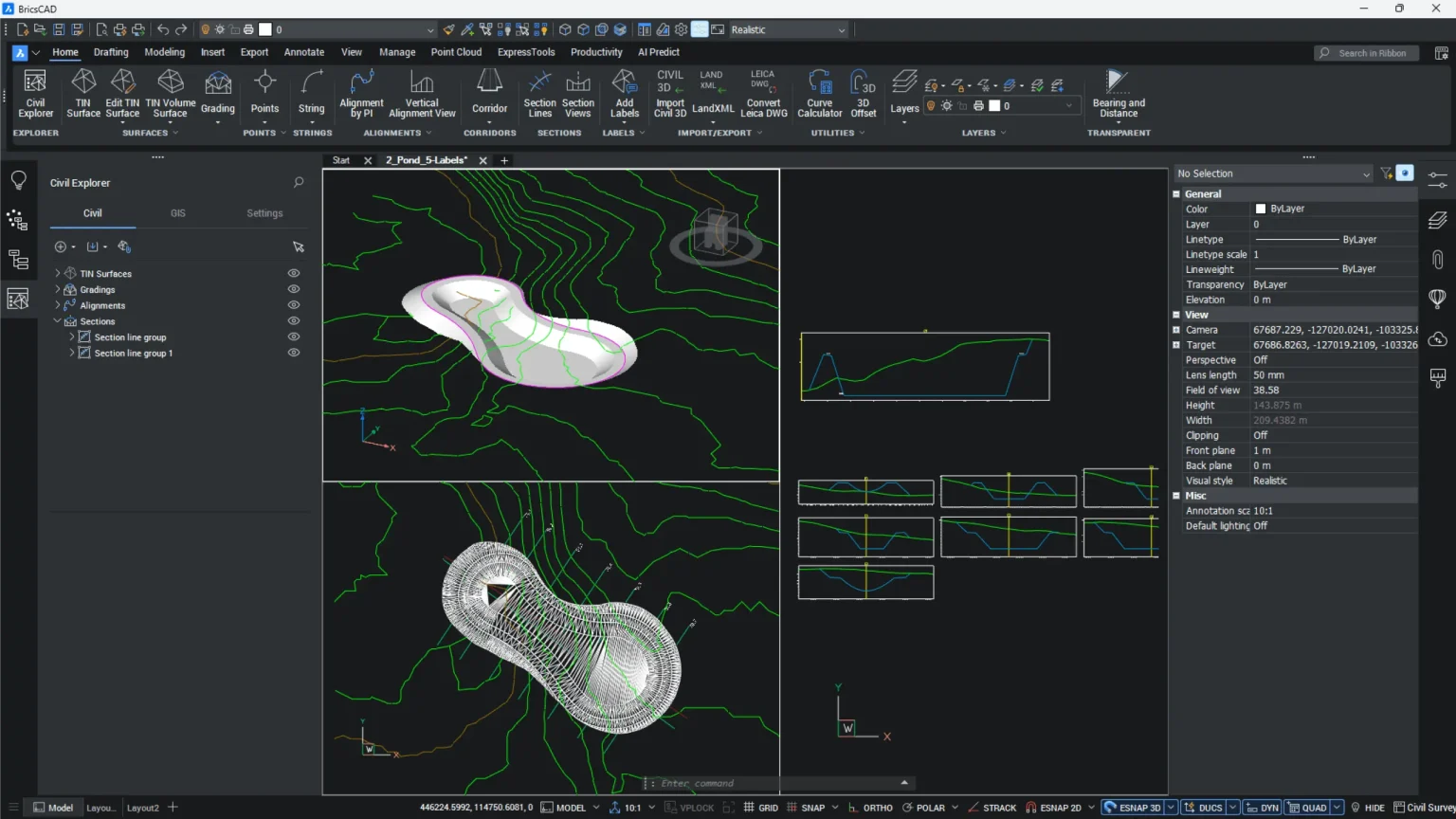
Work with survey data and point clouds in BricsCAD. Built around the way surveyors and civil engineers actually work, from importing survey data to producing drawings from point clouds.
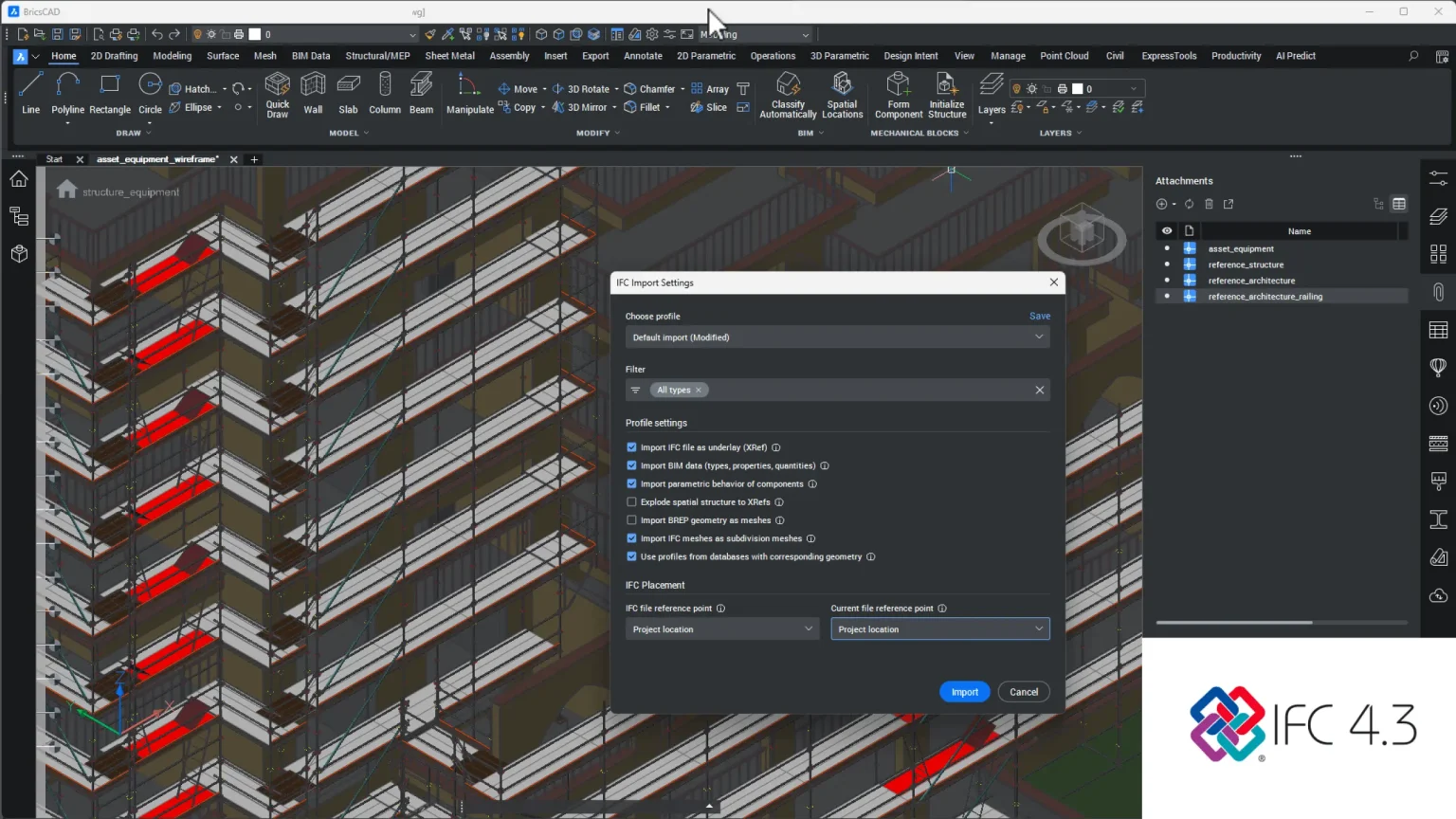
Use BIM data in real projects. Learn to open, check and extract information from IFC models in BricsCAD, so your team can work confidently with models from other disciplines.
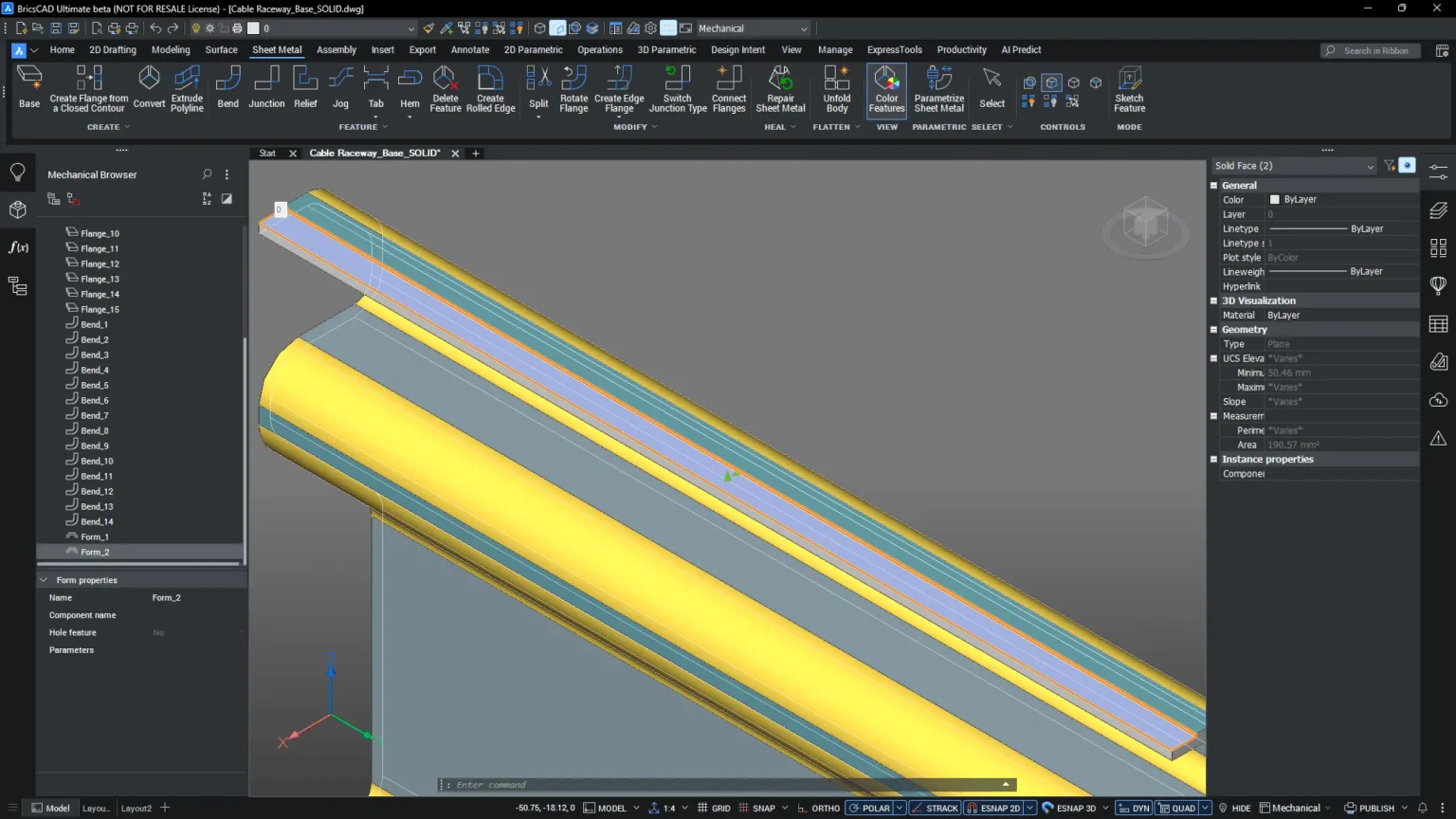
Improve your 2D and 3D mechanical design work. Covers parts, assemblies and production drawings in BricsCAD, so your team can produce accurate outputs for manufacture.
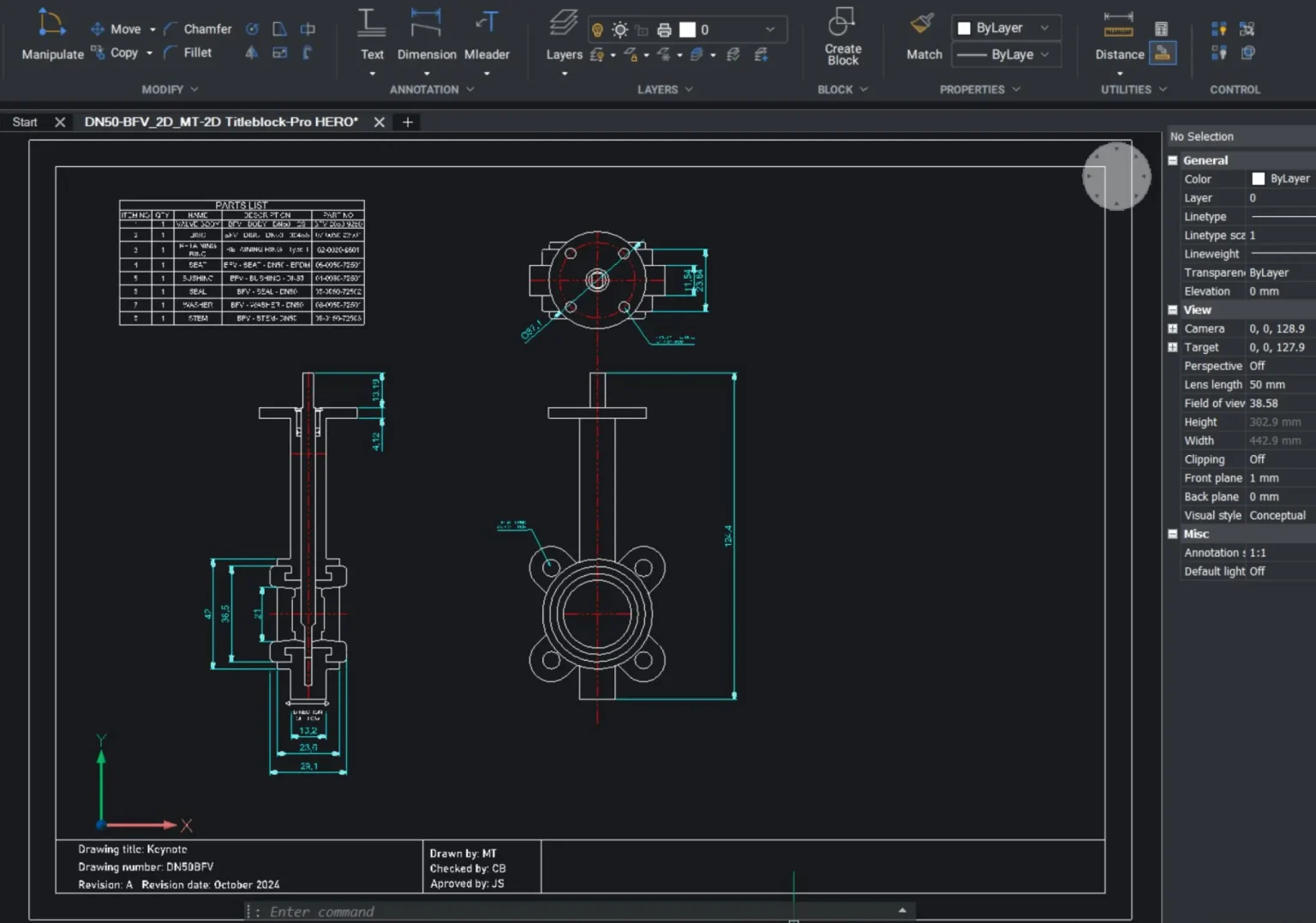
Get your whole team drawing the same way. We help you define, set up and maintain CAD standards, from layers and templates to naming and plotting, so projects stay organised.
Your team doesn’t need generic training.
We build each session around your own workflows and projects, using the parts of our courses that matter most to your team.
That might mean speeding up everyday drafting, standardising how drawings are set up, or getting new starters productive quickly.
Not sure what your team needs? We’ll help you work it out.
We’ll review your requirements and confirm if a Proof of Concept is the right approach before getting started.
We’ll help you understand what’s active, where, and what to do next.